How to Create Glitch Art Effects With Online Editors
Have you ever seen those cool pictures where the image looks broken or corrupted in an artistic way? That’s called glitch art, and it’s become super popular on social media and in digital design. The best part is you don’t need expensive software or years of experience to make your own glitch art masterpieces. With just a few clicks and some creativity, online editors can transform your regular photos into eye-catching digital art that looks like it came from a futuristic computer malfunction.
Understanding Glitch Art and Its Appeal
Glitch art takes the idea of digital errors and turns them into something beautiful. Think about what happens when your TV signal gets fuzzy or when a video game freezes – those weird visual effects are the foundation of glitch art. Artists discovered that these “mistakes” could actually look pretty amazing when done on purpose.
The style became popular because it represents our digital world perfectly. We live surrounded by screens, apps, and technology that sometimes breaks down. Glitch art celebrates these imperfections instead of hiding them. It’s like saying, “Hey, sometimes broken things can be more interesting than perfect ones.”
Why Online Editors Work So Well
Online glitch editors have made this art form accessible to everyone. You don’t need to understand complex coding or spend money on professional software. These web-based tools do all the technical work while you focus on the creative decisions. Most importantly, they’re designed to be user-friendly, so beginners can start creating right away.
Popular Online Glitch Art Tools
| Tool Name | Best For | Price | Key Features |
|---|---|---|---|
| Photopea | Advanced editing | Free | Photoshop-like interface, multiple glitch filters |
| Glitch Image Generator | Quick effects | Free | Instant results, simple sliders |
| GIMP Online | Detailed work | Free | Professional tools, custom effects |
| Canva | Social media | Free/Paid | Templates, easy sharing options |
| Photomosh | Animated glitches | Free | Video effects, real-time preview |
Browser-Based Solutions
Most glitch art tools work directly in your web browser, which means no downloads or installations required. This approach offers several advantages. First, you can work from any computer or device with internet access. Second, your projects often save automatically to the cloud. Third, updates happen behind the scenes without you having to worry about them.
Browser tools also tend to be more stable than downloaded software because they’re constantly maintained by their developers. Plus, if something goes wrong, you can usually just refresh the page and start over without losing much work.
Step-by-Step Guide to Your First Glitch Art
Creating your first piece of glitch art is easier than you might think. Start by choosing a photo that has clear subjects and good contrast. Pictures with people, buildings, or objects with defined edges work especially well because the glitch effects will interact with these elements in interesting ways.
Preparing Your Image
Before adding any effects, spend a few minutes getting your photo ready. Crop it to focus on the most important parts, and adjust the brightness and contrast if needed. Remember that glitch effects often make images more chaotic, so starting with a clear, well-composed photo gives you better results.
Consider the mood you want to create. Bright, colorful images tend to produce vibrant, energetic glitch art. Darker photos create more mysterious, cyberpunk-style effects. There’s no right or wrong choice – just different artistic directions.
Applying Basic Glitch Effects
Most online editors organize their glitch effects into categories. Data moshing effects scramble pixels in geometric patterns. Color channel effects separate the red, green, and blue parts of your image. Scan line effects add horizontal lines like old TV static. Digital noise effects sprinkle random pixels throughout the image.
Start with subtle effects and gradually increase their intensity. It’s tempting to max out all the settings, but restraint often produces more artistic results. The goal is to enhance your image, not completely destroy it.
“The best glitch art walks the line between order and chaos. You want enough disruption to be interesting, but not so much that you lose the original image entirely.” – Digital Artist Sarah Kim
Advanced Techniques for Professional Results
Once you’re comfortable with basic effects, you can start combining multiple techniques for more sophisticated artwork. Layering different glitch effects creates depth and complexity that single effects can’t achieve. Try applying a subtle data mosh effect first, then adding some color channel separation on top.
Working with Color and Contrast
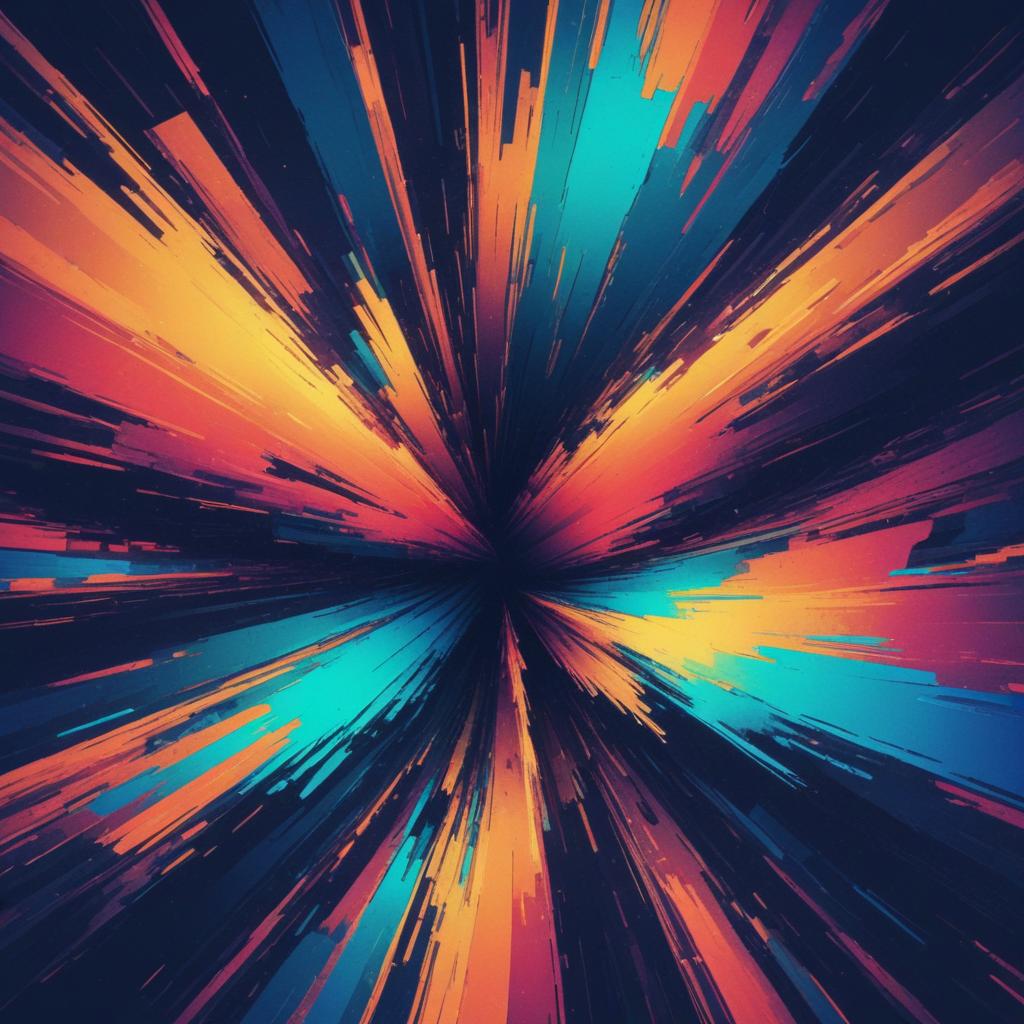
Color plays a huge role in glitch art’s impact. Neon colors against dark backgrounds create that classic cyberpunk feel. Pastel glitches on light backgrounds feel more dreamy and artistic. Experiment with your editor’s color adjustment tools to find combinations that match your vision.
High contrast between glitched and normal areas draws the viewer’s eye to specific parts of your image. This technique helps you guide attention even in chaotic compositions. Think about which parts of your photo should stay clear and which parts should be heavily distorted.
Creating Animated Glitches
Some online editors let you create moving glitch art, which adds another dimension to your work. Animated glitches work especially well for social media, where motion naturally catches attention. The key is keeping your animations short and looping smoothly so they don’t become distracting.
When creating animated glitches, less movement often works better than more. Subtle shifts and pulses can be more hypnotic than constant chaos. Think about the rhythm of your animation – fast changes create energy, while slow changes feel more meditative.
Sharing and Showcasing Your Glitch Art
Creating the art is only half the fun – sharing it with others completes the creative process. Different platforms favor different types of glitch art. Instagram loves square, colorful pieces that look good on mobile screens. Twitter users often prefer wider, more detailed compositions. Pinterest favors vertical images that tell a story.
Optimizing for Social Media
Each social platform has its own technical requirements and audience preferences. Instagram compresses images heavily, so bold, simple glitch effects often work better than subtle ones. TikTok favors video content, making animated glitches perfect for that platform. DeviantArt and similar art communities appreciate more experimental, boundary-pushing work.
Consider adding your signature or watermark to protect your work, but keep it subtle so it doesn’t compete with the glitch effects. A small, translucent mark in a corner usually works well.
Building an Online Portfolio
As you create more glitch art, consider building a portfolio to showcase your best work. Free platforms like Behance, ArtStation, or even a simple Instagram account can serve as your digital gallery. Organize your work by style, color scheme, or technique to help viewers understand your artistic development.
Document your process by taking screenshots or writing brief descriptions of how you created each piece. This information becomes valuable for your own reference and helps other artists learn from your techniques.
Troubleshooting Common Issues
Even with user-friendly online editors, you might encounter some challenges while creating glitch art. Slow loading times usually indicate that your image file is too large. Try reducing the image size before uploading, or use a different editor that handles large files better.
If your glitch effects look too subtle, your original image might not have enough contrast or detail for the effects to work with. Try adjusting the brightness and contrast before applying glitch effects, or choose a different source image with more visual interest.
Technical Limitations and Solutions
Browser-based editors sometimes struggle with very high-resolution images or complex effects. If your editor becomes unresponsive, try reducing your image size or simplifying your effect stack. Save your work frequently to avoid losing progress.
Some editors work better on certain devices or browsers. If you’re having trouble with one tool, try switching to a different browser or device before giving up on your project.
FAQ Section
Q: Do I need any special skills to create glitch art? A: Not at all! Online glitch editors are designed for beginners. If you can use basic computer functions like uploading files and moving sliders, you can create glitch art. The most important skill is creativity and willingness to experiment.
Q: Can I use glitch art for commercial projects? A: This depends on the tool you use and the original image rights. Most online editors allow commercial use of the effects they create, but make sure you have proper rights to your source images. Always check the terms of service for your chosen editor.
Q: How do I make my glitch art look unique instead of generic? A: Focus on developing your personal style through color choices, effect combinations, and subject matter. Study other glitch artists for inspiration, but don’t copy their exact techniques. Experiment with unusual source images or unexpected color combinations.
Q: What image formats work best for glitch art? A: JPEG and PNG files work well with most online editors. Higher resolution images give you more detail to work with, but they also take longer to process. Start with medium-resolution images (1200-2000 pixels wide) for the best balance of quality and speed.
Q: Can I create glitch art on my phone? A: Yes! Many online glitch editors work great on mobile devices. Some apps are specifically designed for phone use. The smaller screen might make detailed work more challenging, but it’s perfect for quick, creative experiments.
Q: How do I know when my glitch art is “finished”? A: Glitch art is finished when it achieves the mood or feeling you were aiming for. Sometimes this happens with just one effect, other times it requires multiple layers. Trust your instincts – if something looks complete to you, it probably is. You can always save multiple versions and choose your favorite later.