AI Photo Animation: Bring Still Images to Life
You know that feeling when you look at an old family portrait and wish you could see your grandmother’s smile one more time? What if you could make her gently wink or see the breeze rustle her dress?
This is the magic of AI photo animation. It’s a new technology that uses artificial intelligence to add subtle, realistic motion to your still photographs. Suddenly, a portrait can blink, a waterfall can flow, and a static memory can breathe. This guide will show you how it works and how you can start animating your own pictures today.
How Does AI “See” and Animate a Photo?
Think of AI animation as a very smart movie director looking at a single frame. It doesn’t just wiggle things randomly. It analyzes the entire image to decide what should move and how.
The Brain Behind the Motion
The AI is trained on thousands of videos. It learns how different parts of a scene naturally behave.
- It understands depth: It can tell what’s in the foreground (like a person) and what’s in the background (like trees). This lets it create a 3D-like effect where layers move at different speeds.
- It recognizes elements: It knows what eyes, hair, water, clouds, and fabric are. It applies the right kind of motion—a slow drift for clouds, a flowing ripple for water.
- The best animations are subtle. They don’t scream for attention; they whisper, making the scene feel more alive and immersive.
What Kinds of Photos Animate Best?
Not every photo will work perfectly, but some are almost guaranteed to create a stunning result.
1. Portraits with Personality
This is where the effect feels most magical. The AI can bring a face to life in astonishingly natural ways.
- Micro-Movements: Adding a gentle blink, a slight smile, or the subtle rise and fall of breathing.
- Hair and Fabric: Creating the illusion of a soft breeze moving through hair or rustling a shirt collar.
- Gaze Direction: Making the subject’s eyes slowly shift, adding a thoughtful, lifelike quality.
2. Dynamic Landscapes and Nature
Nature is full of motion, and AI can recreate that feeling from a single moment.
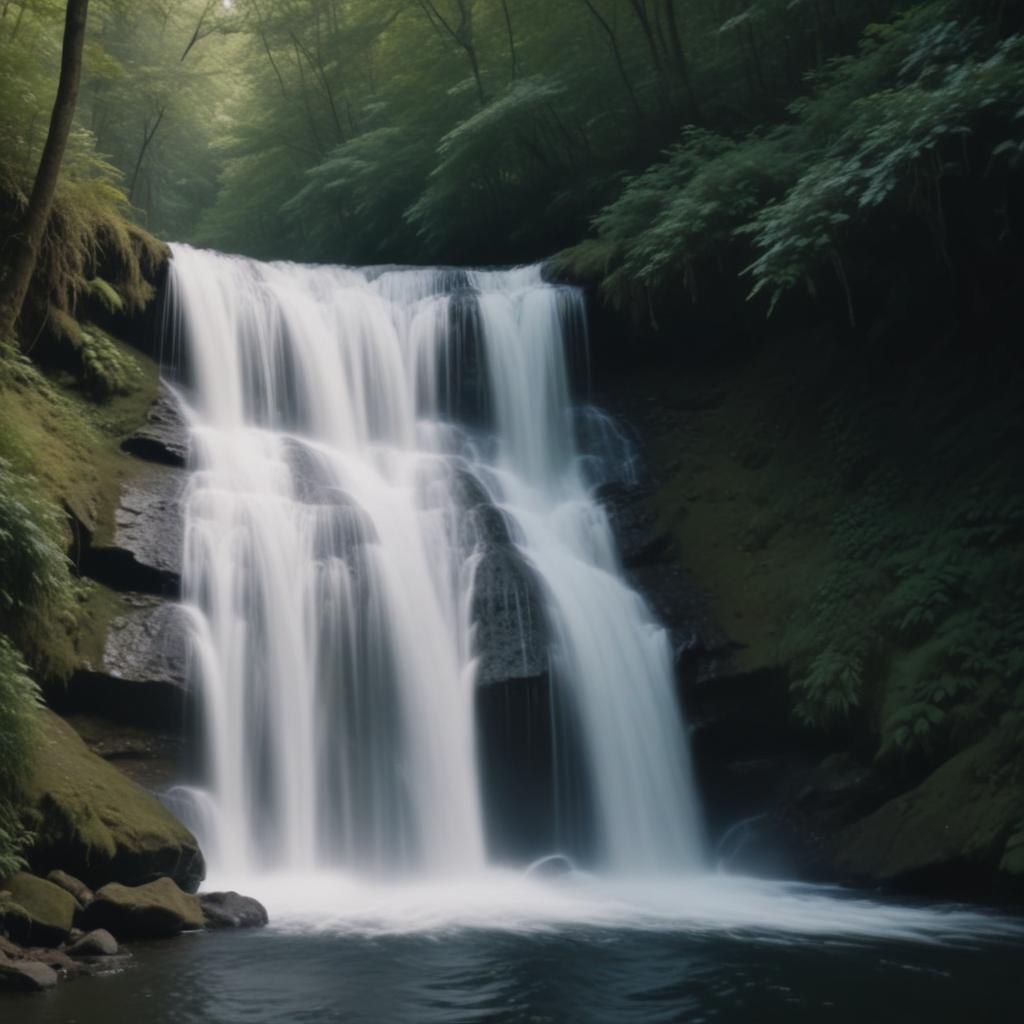
- Flowing Water: Turn a still river, waterfall, or ocean wave into a looping flow of water.
- Drifting Skies: Make clouds float peacefully or add a slow, cinematic movement to the stars.
- Flickering Flames: Bring campfires, candles, or fireplace scenes to life with gentle, dancing light.
“The goal of AI animation isn’t to make a cartoon. It’s to uncover the motion that was always implied in the photograph, waiting to be released.”
Your Toolkit for Creating Moving Pictures
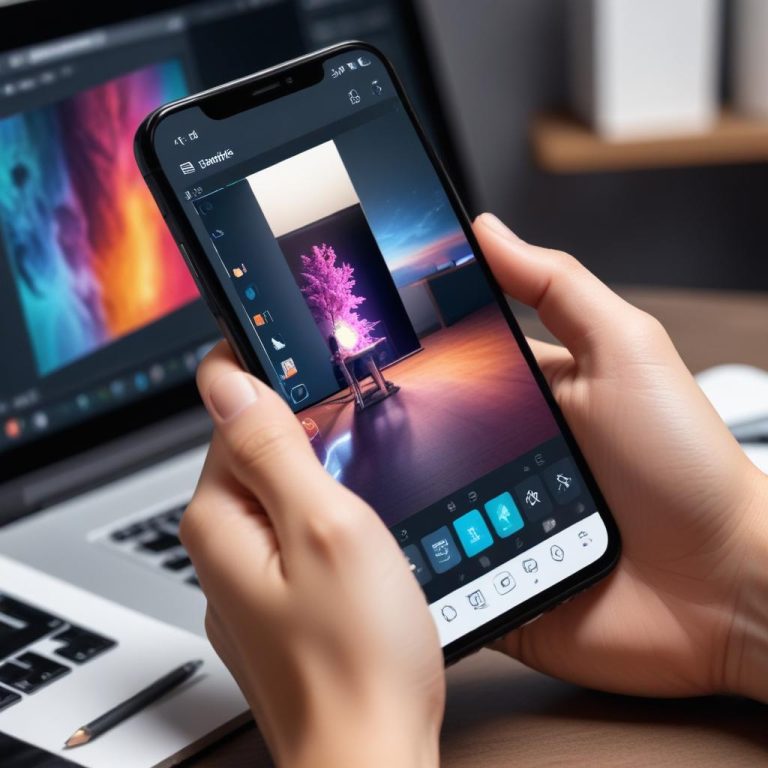
You don’t need fancy software or editing skills. Most of this magic happens in your web browser or on your phone. Here’s a look at the main options.
| Tool / Platform | Best For | Difficulty Level | Cost |
|---|---|---|---|
| Mobile Apps (CapCut, PixVerse) | Beginners wanting quick, social-media-ready clips on their phone. | Very Easy | Freemium (Free with paid features) |
| Web Platforms (LeiaPix, DeepMotion) | Hobbyists & creators wanting more control over the style and depth of the animation. | Easy | Often free for limited use; subscriptions for more. |
| Advanced AI Tools (RunwayML) | Artists and professionals looking for maximum control and the highest quality output. | Intermediate | Credit-based system or subscription |
Pro Tip: Start with a high-quality, sharp photo. The AI needs clear details to work with. Blurry or low-resolution images will produce poor animations.
Curious about what people are animating? The chart below shows the most popular types of photos users are bringing to life with AI, based on platform upload data.
Your 4-Step Guide to Animating a Photo
The process is surprisingly simple. You can go from a still image to a moving masterpiece in just a few minutes.
- Choose Your Champion Photo: Pick an image with a clear subject and good contrast. Photos with a sense of depth (a person in front of a background) work incredibly well. Avoid very busy, cluttered photos—they can confuse the AI.
- Upload to an AI Animator: Go to a website like LeiaPix or open an app like CapCut. Upload your photo directly from your device.
- Adjust the Motion (Optional): Many tools give you sliders to control the intensity and style of the animation. You can often choose the direction of movement or focus the motion on a specific area, like the face.
- Generate, Preview, and Export: Click “Animate” or “Generate.” In seconds, you’ll see a preview. If you love it, export it as a video file (usually an MP4) or a GIF to share.
Frequently Asked Questions
Is it creepy to animate photos of people?
It depends on the context and intent. A gentle, respectful animation of a loved one can feel heartwarming. It’s important to use this technology thoughtfully and with permission when possible.
Why does my animation look weird or distorted?
The AI might have struggled. This often happens with photos where body parts are cut off by the edge of the frame, or with very complex, overlapping objects. Try a different, clearer photo.
Can I control what moves in the photo?
In basic apps, not precisely—the AI decides. More advanced platforms let you set “depth maps” or motion points to guide the animation more carefully.
Are there copyright issues with animating photos?
Yes, you must own the rights to the photo or have permission from the copyright owner. You cannot legally animate professional photos you bought or found online without permission.
What’s the #1 secret for a great result?
Patience and experimentation. Try the same photo in different apps with different motion settings. Sometimes the fourth or fifth try is the charm.
Breathe New Life Into Your Memories
AI photo animation is one of the most personal and emotionally powerful uses of this new technology. It lets us connect with our past in a dynamic new way and see our present moments with a fresh sense of wonder. It’s not just about making pictures move; it’s about making memories feel present.
What’s the first photo you would bring to life? Share your ideas—or your successful creations—in the comments below!