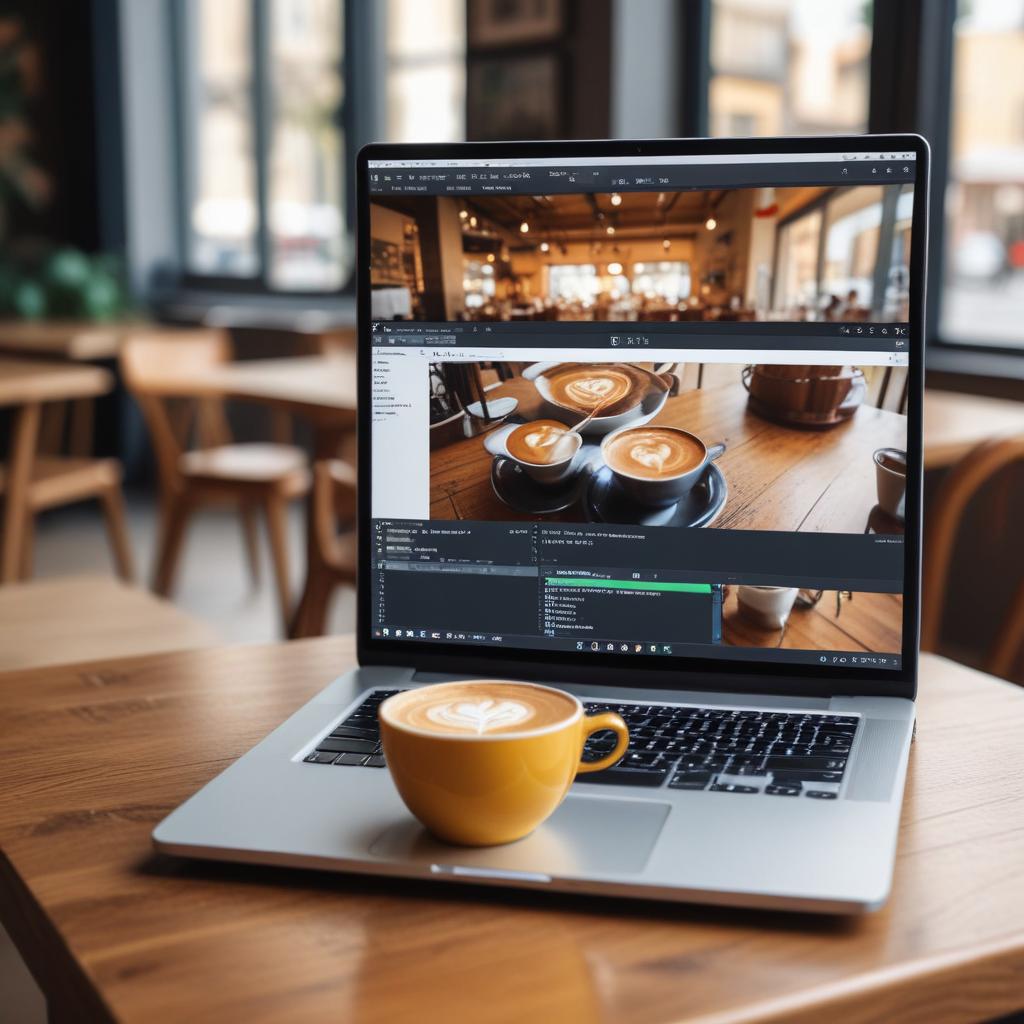
Edit Photos Instantly: Powerful AI Photo Editors That Run in Your Browser
What if you could access professional-level photo editing tools without installing a single program or worrying about computer storage?
We’ve all been there—you need to quickly edit a photo for social media or fix a picture for work, but you’re not on your main computer. Or maybe your computer is older and struggles with big software downloads. Browser-based AI photo editors solve this problem beautifully, and they’re more powerful than you might think.
The Magic of Editing in Your Browser
Let’s talk about why editing directly in your web browser is such a game-changer for so many people.
No Installation, No Storage Worries
The biggest advantage is obvious: you don’t need to download anything. Just open your web browser, navigate to the editor’s website, and you’re ready to go. This means:
- No waiting for large files to download and install
- No worrying if your computer meets system requirements
- No eating up precious hard drive space
- Access your work from any computer with an internet connection
It’s like having a photo editing studio that fits in your browser tab and travels everywhere with you.
Always Updated, Always Current
When the developers improve the AI tools or add new features, they update the website. You automatically get the latest version without having to manually download updates. The editing power you have today might be even better tomorrow!
What Can AI in a Browser Actually Do?
You might be surprised at how sophisticated browser-based AI editors have become. They’re far beyond simple filters and basic adjustments.
Smart AI-Powered Tools
Modern browser editors can handle complex tasks that used to require expensive software:
- Background removal with a single click
- Object removal and smart filling of the empty space
- Automatic color correction and exposure fixing
- AI upscaling to make low-quality images look sharper
- Portrait enhancement including skin smoothing and teeth whitening
The AI analyzes your image and understands what needs to be fixed, then suggests the best corrections automatically.
Real-Time Collaboration
Here’s something traditional software can’t do easily: multiple people can edit or review the same image simultaneously. Imagine working on a project with teammates in different locations, all seeing the same edits in real time.
Top Browser-Based AI Editors You Should Try
Ready to test the waters? Here are some excellent browser-based editors that showcase what’s possible today.
| Tool Name | Best For | Cost | Standout AI Feature |
|---|---|---|---|
| Photopea | Photoshop users looking for a free alternative | Free with optional paid plan | Advanced layer support & AI filters |
| Canva | Social media managers & content creators | Freemium | Magic Eraser & Background Remover |
| Pixlr | Quick edits & creative projects | Freemium | AI image generator & smart filters |
| Fotor | Beginners & one-click enhancements | Freemium | AI photo enhancement & retouching |
A Closer Look at Your Options
Photopea is often called “the free Photoshop in your browser.” It looks and works surprisingly like Adobe Photoshop, complete with layers, masks, and advanced tools. The AI features are constantly improving, and it’s completely free for basic use.
Canva has evolved far beyond a simple design tool. Its AI-powered Magic Eraser can remove unwanted objects effortlessly, and the background remover works with impressive accuracy. It’s perfect for creating social media graphics with professionally edited photos.
Pixlr offers a great balance of simplicity and power. The AI tools can automatically enhance your photos, remove backgrounds, and even generate new image elements through AI. The free version is quite capable for basic edits.
Fotor is fantastic for beginners who want one-click solutions. The “AI Enhance” button can automatically improve almost any photo, fixing exposure, color, and sharpness in seconds.
Your First Browser Editing Session: Step by Step
New to browser editing? Here’s a simple workflow to get you started with any of these tools.
- Choose Your Editor: Pick one from the list above that matches your needs. For beginners, Fotor or Canva are great starting points.
- Upload Your Photo: Look for the “Upload” or “Open” button. Most editors support drag-and-drop—just drag your photo file right into the browser window.
- Try the Auto-Fix: Almost every editor has an “Auto,” “AI Enhance,” or “Magic Fix” button. Click it first to see what the AI can do automatically.
- Explore Specific AI Tools: Look for these powerful features in the menu:
- Background Remover (usually under “Effects” or “Tools”)
- Object Remover (often called “Heal” or “Repair”)
- AI Filters (look for “AI” or “Smart” in the filter names)
- Download Your Result: When you’re happy, click “Export,” “Save,” or “Download.” Choose the quality setting that fits your needs.
Remember to save your work periodically if you’re doing complex edits! Some browsers might refresh or lose your work if you navigate away accidentally.
Understanding the Limitations
Browser editors are amazing, but they’re not perfect for every situation.
- Internet required: You need a decent internet connection to use them
- Large file limits: Very high-resolution photos might be compressed or have size limits
- Advanced features: Some professional-level tools are still only available in desktop software
- Subscription models: Many use “freemium” models where advanced AI features require payment
“The best tool is the one you actually use. If browser editors get you editing photos more often, they’re the right choice for you.”
Privacy and Your Photos
A common concern is privacy—what happens to your photos when you upload them to a website?
- Reputable editors usually process your images temporarily and don’t store them long-term
- Check the privacy policy to understand how each service handles your data
- For sensitive images, consider using desktop software instead
- Many services now offer local processing where possible, keeping your images in your browser
Frequently Asked Questions
Do I need to create an account?
Most editors let you try basic features without an account, but saving your work or accessing premium features usually requires signing up.
Are my edited photos watermarked?
Free versions often add a small watermark, while paid versions remove it. Always check the export settings before downloading.
Can I use these on my phone or tablet?
Absolutely! Most browser editors work beautifully on mobile devices, giving you powerful editing tools right in your pocket.
How do they compare to desktop software?
For most everyday edits, they’re more than capable. For professional work with huge files or very specific advanced tools, desktop software still has the edge.
Is there a risk of losing my work?
As long as you have a stable internet connection and save/download your work regularly, the risk is minimal. Some editors even have auto-save features.
What’s the catch with the free versions?
Free versions typically have limitations on export quality, available filters, or may include watermarks. But they’re often perfect for casual use.
The Future Is in Your Browser
Browser-based AI photo editors have eliminated so many barriers to entry. You don’t need an expensive computer, you don’t need to commit to software purchases, and you don’t need technical expertise to get started.
The convenience of being able to edit anywhere, on any device, is transforming how we think about photo editing. It’s no longer a specialized activity—it’s becoming as accessible as writing an email or browsing the web.
What’s the first thing you’d edit if you had professional AI tools available right in your browser? Share your photo editing dreams in the comments below!