AI Photo Restoration: Giving Your Fading Memories a Second Chance
That crumpled, sepia-toned photo of your great-grandparents isn’t just fading—it’s telling a story. Now, AI can help make that story clear again.
We’ve all found them: old photos tucked in attic boxes or forgotten albums, damaged by time, water, or just poor storage. For decades, professionally restoring these treasures required an artist’s steady hand and hundreds of hours. Today, artificial intelligence is changing the game. With a simple scan and a few clicks, you can erase cracks, rebuild missing faces, and bring color back to black-and-white worlds. It’s not just editing; it’s digital archaeology.
The Magic Behind the Repair: How AI Rebuilds the Past
Traditional photo repair involves painstakingly cloning and painting over damage. AI does something fundamentally different. It doesn’t just cover flaws—it intelligently predicts what should be there, based on its training from millions of intact images.
Understanding the Damage: More Than Just “Fix It”
A good AI restoration tool doesn’t apply one solution to all problems. It diagnoses different types of damage and applies specific fixes:
- Scratches & Dust: The AI identifies thin, linear marks and irregular spots, treating them like “noise” to be filtered out while preserving real image details.
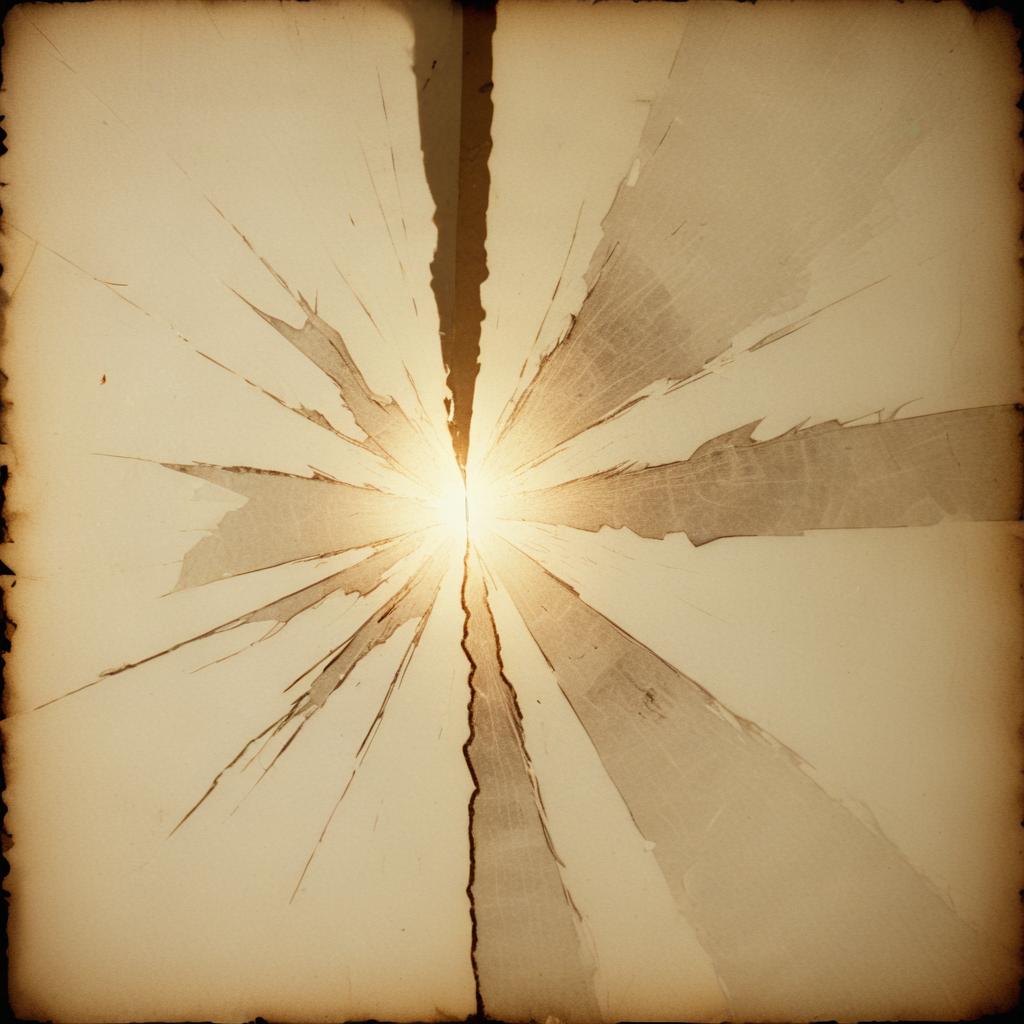
- Folds & Tears: This is where it gets incredible. For a tear through someone’s cheek, the AI doesn’t just blur the gap. It analyzes the surrounding skin texture, lighting, and facial structure to generate a plausible, seamless replacement.
- Fading & Stains: The AI can separate the original image information from the yellowish stain or fade overlay, often recovering contrast and detail you couldn’t even see with your naked eye.
Think of it like a super-focused conservator who has studied millions of faces, fabrics, and landscapes, and can reference that knowledge to fill in the blanks.
The Colorization Revolution: Adding Hues with History
Colorizing black-and-white photos used to be a slow, subjective art. Now, AI colorization uses historical data and object recognition to make educated guesses. When it sees a WWI soldier’s uniform, it references historical records to apply the correct khaki or blue. For a 1920s car, it might apply a common Model T color. It’s not always 100% historically accurate, but it brings a startling and emotional sense of immediacy to the past.
“A restored photo quiets the damage. A colorized photo makes the past whisper directly to you. It’s the difference between seeing history and feeling it.”
Your Digital Restoration Toolkit: From Quick Fixes to Heirlooms
You have more options than ever, from instant apps to powerful software. Your choice depends on the photo’s value and the damage level.
| Tool/Technique | Best For | Key AI Feature | Cost |
|---|---|---|---|
| MyHeritage Photo Tools | Family historians; one-click colorization & enhancement. | “Animate” faces & deep nostalgia focus. | Freemium (Limited free fixes) |
| Adobe Photoshop (Neural Filters) | High-value restoration with user control. | “Photo Restoration” & “Colorize” filters with sliders. | Subscription |
| Remini | Extremely damaged photos, especially faces. | Face-specific reconstruction and sharpening. | Freemium (Credit-based) |
| GIMP with AI Plugins | DIY enthusiasts who want free, powerful control. | Free community-built plugins for repair. | 100% Free |
| Professional Services | Priceless heirlooms, severe complex damage. | Human-guided AI + artistic skill. | Per-project fee ($50-$500+) |
The Emotional Impact: Why We Restore
Restoration isn’t a cold technical process. It’s an emotional one. The chart below reflects the primary reasons people cite for restoring old family photos, based on surveys from genealogy platforms and photo service providers.
Why Do People Restore Old Photos? (Top Reasons)
The data shows a powerful drive to connect with and preserve personal legacy, far outweighing simple repair needs.
Your Step-by-Step Guide to a First Restoration
Ready to try? Here’s a safe, effective workflow. Always, always work on a digital copy of your scan, never the original photo.
- Digitize with Care: This is the most important step. Use a flatbed scanner if possible, or a phone scanning app in good light. Scan at a high resolution (600 DPI or more). This gives the AI more data to work with.
- Start with the “Auto-Restore”: Upload your scan to your chosen app and hit the main repair button (often called “Enhance,” “Restore,” or “Fix Photo”). See what the AI can do automatically—you might be shocked.
- Tackle Specific Flaws: Use targeted tools if available. Apply a “Scratch Remover” tool over large cracks. Use a “Face Enhancement” tool if features are blurry.
- Consider Color (Thoughtfully): Try the colorize feature. Does it feel right? Remember, you can often adjust the intensity slider to blend the color with the original tone for a softer look.
- Final Human Touch: The AI isn’t perfect. Zoom in and look for oddities—a strange texture, a weirdly smooth eye. Use a simple clone or heal tool (available in most apps) to manually fix these last small spots.
Pro Tip: For group photos, run the “Face Enhancement” tool multiple times, focusing on one face at a time. It often yields better results than trying to fix all faces at once.
The Ethics of Editing History: A Delicate Balance
Restoration walks a fine line between repair and alteration. Here are a few guidelines to consider:
- Preserve vs. Perfect: The goal is to remove the damage, not the character. A stern expression or a period hairstyle should remain. You’re cleaning the window, not repainting the scene.
- Be Transparent: If you colorize or significantly reconstruct a photo you share, especially in a historical context, add a note like “AI-colorized version” so others know it’s an interpretation.
- Respect the Original: Keep your pristine scan saved separately from your restored version. Future technology—or a family member—might want to start from scratch with a different approach.
Frequently Asked Questions
Is AI restoration better than a human professional?
For severely damaged photos, a skilled human artist still reigns supreme, especially for complex, non-facial details. AI excels at speed, accessibility, and face-specific repairs. Many pros now use AI as a powerful first step.
Can I restore a photo that’s torn in half?
Yes, if you have both pieces. Scan them separately, then use an editor to digitally align the pieces before running the AI restoration to heal the seam.
Will AI “make up” features of a person it doesn’t recognize?
Potentially, yes. If a face is extremely blurred or missing, the AI will generate a plausible face based on its training data. This is more “reconstruction” than “restoration,” and the result may not be an exact likeness.
What’s the most common mistake beginners make?
Oversharpening. After restoration, it’s tempting to crank up the sharpness. This often adds a harsh, unnatural look and amplifies any remaining grain. Use a light touch.
Can I restore photos printed on textured paper?
The textured pattern can be tricky, often mistaken for damage. The best approach is to use a “Denoise” tool first to reduce the texture pattern, then apply the restoration.
The stories in our old photos don’t have to fade. With AI, we have a remarkable new tool to reclaim them, to put faces to names, and to see the past not through a veil of decay, but with a renewed clarity. It’s more than fixing paper—it’s reconnecting generations.
Do you have a damaged photo with a story? What would you most love to see restored? Share your memories in the comments.