Top AI Tools That Edit Your Photos Automatically: Best AI Photo Editors for Beginners and Professionals in 2025
Remember when fixing a blurry photo meant hours in Photoshop? Those days are gone. AI photo editing tools now handle complex edits with just one click. Whether you’re a busy photographer or someone who just wants their selfies to look amazing, these smart tools are changing everything.
The best AI photo editing tools combine powerful automation with user-friendly interfaces. Topaz Photo AI leads for professionals, Canva AI excels for social media, and Adobe Photoshop’s AI features dominate advanced editing. Most tools offer both free and premium options, making professional-quality photo editing accessible to everyone regardless of skill level.
What Makes AI Photo Editing Special
Traditional photo editing requires knowing which settings to adjust and how different tools work together. AI editing flips this completely – you describe what you want, and the software figures out how to make it happen.
These smart tools use machine learning trained on millions of photos. They recognize faces, objects, and scenes automatically, then apply the perfect adjustments without any guesswork from you.
The Magic Behind AI Editing
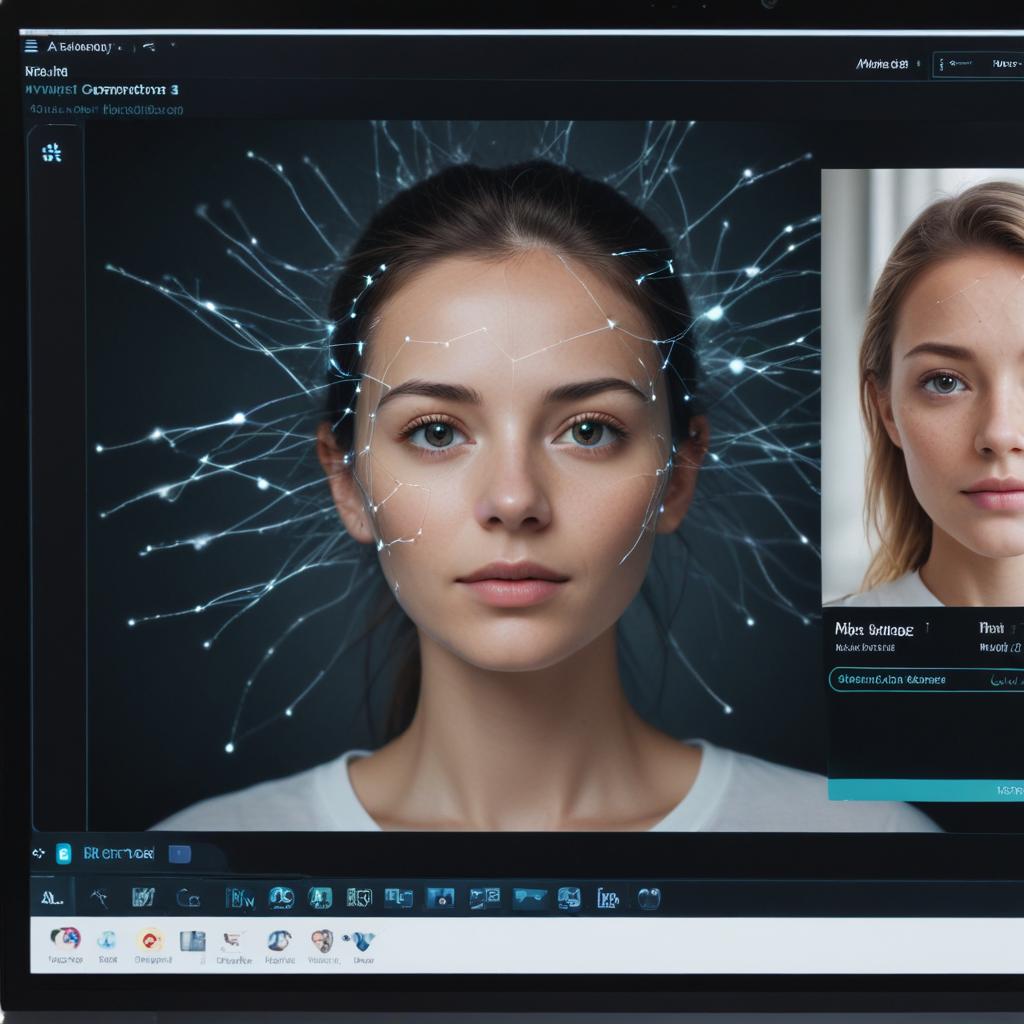
AI photo editors work by analyzing your image in ways human eyes can’t. They identify:
- Lighting conditions and color balance issues
- Facial features for portrait enhancement
- Background elements for easy removal or replacement
- Image quality problems like blur or noise
Once the AI understands your photo, it applies professional-grade corrections that would take experts hours to do manually.
Professional AI Photo Editing Tools
Topaz Photo AI
Topaz Photo AI stands out as the most powerful desktop solution for serious photographers. This tool specializes in enhancing image quality using advanced artificial intelligence.
Key Features:
- Noise reduction that preserves fine details
- Sharpening that doesn’t create artifacts
- Upscaling images up to 600% larger
- Face recovery for old or damaged photos
The software works as a standalone application or integrates with Lightroom and Photoshop. Professional photographers love how it handles high-ISO photos and brings old family pictures back to life.
Pricing: $199 one-time purchase, frequent sales bring it down to $99-149
Best for: Professional photographers, photo restoration, print enlargements
Adobe Photoshop with AI Features
Adobe keeps adding AI-powered features to Photoshop, making complex edits surprisingly simple. The Content-Aware Fill and Sky Replacement tools showcase how AI can handle tasks that once seemed impossible.
Recent additions include:
- Neural Filters for style transfers and facial adjustments
- Subject Selection that perfectly outlines people and objects
- Colorize for bringing black and white photos to life
- Super Resolution for enlarging images
“Adobe’s AI features feel like having a skilled assistant who never gets tired and always knows exactly what you’re trying to achieve.”
Pricing: $20.99/month (Photography Plan includes Lightroom)
Best for: Professional editors, commercial work, learning advanced techniques
Luminar AI by Skylum
Luminar AI was built from the ground up as an AI-first photo editor. Instead of overwhelming users with hundreds of sliders, it offers template-based editing and intelligent suggestions.
Standout Features:
- Sky AI automatically detects and replaces skies
- Portrait AI enhances facial features naturally
- Body AI for subtle body adjustments
- Atmosphere AI adds realistic lighting effects
The interface feels more like Instagram filters but with professional results. You can achieve magazine-quality edits without understanding technical photography concepts.
Pricing: $79 one-time purchase (often on sale)
Best for: Enthusiast photographers, social media creators, quick professional results
User-Friendly AI Editing Platforms
Canva AI Photo Editor
Canva transformed from a simple design tool into a comprehensive creative platform with powerful AI photo editing capabilities. The best part? It works entirely in your web browser.
Popular Features:
- Background Remover that works instantly
- Magic Eraser for removing unwanted objects
- Photo Enhancer that fixes lighting and colors automatically
- Face Touch-up for portrait improvements
Canva’s strength lies in combining photo editing with design tools. You can edit your photo and immediately use it in social media posts, presentations, or marketing materials.
Pricing: Free version available, Canva Pro at $12.99/month
Best for: Social media content, business graphics, non-photographers
Fotor AI Photo Editor
Fotor offers one-click enhancement that works surprisingly well for most photos. The AI analyzes your image and applies multiple corrections simultaneously.
Key Tools:
- AI Photo Enhancer for overall improvement
- AI Background Remover with edge refinement
- AI Object Remover for cleaning up photos
- AI Avatar Generator for profile pictures
The platform works on any device through web browsers, plus they offer mobile apps for editing on the go.
Pricing: Free with watermarks, Pro version $3.33/month
Best for: Casual users, quick fixes, mobile editing
PhotoRoom
PhotoRoom gained popularity on social media for its incredibly accurate background removal. The AI understands complex edges like hair and fur better than most expensive software.
Specialized Features:
- Instant background removal with professional quality
- Smart object removal that fills gaps naturally
- Background replacement with realistic lighting
- Batch processing for multiple photos
E-commerce businesses love PhotoRoom because it creates professional product photos without expensive photo shoots.
Pricing: Free for basic use, Pro at $9.99/month
Best for: Product photography, e-commerce, social media
Mobile AI Photo Editing Apps
VSCO
VSCO combines film-inspired filters with AI-powered adjustment tools. The app feels more artistic than technical, making it perfect for creative expression.
AI Features:
- Auto-adjust that maintains your photo’s mood
- HSL adjustments powered by scene recognition
- Skin tone protection in portrait edits
- Grain and fade effects that adapt to your image
The community aspect lets you discover trending styles and learn from other creators’ editing approaches.
Pricing: Free with limited features, membership at $19.99/year
Best for: Instagram creators, artistic photography, mobile-first editing
Snapseed by Google
Google’s free photo editor packs professional-grade tools into a mobile app. The AI features work completely offline, making it reliable anywhere.
Smart Tools:
- Auto-adjust with selective improvements
- Portrait mode with depth-aware blur
- HDR Scape for dramatic landscape effects
- Healing tool for removing unwanted elements
Despite being free, Snapseed offers more control than many paid alternatives. The interface takes some learning, but the results rival desktop software.
Pricing: Completely free
Best for: Mobile photographers, travelers, budget-conscious users
Specialized AI Photo Enhancement Tools
Remini
Remini specializes in enhancing low-quality photos using AI. It’s particularly good at sharpening faces in old or blurry pictures.
The app became famous for making viral “face enhancement” videos on TikTok, but it’s actually a powerful tool for photo restoration and improvement.
Pricing: Free with daily limits, Pro at $4.99/week
Best for: Old photo restoration, enhancing low-resolution images
Let’s Enhance
This web-based tool focuses on image upscaling and quality improvement. The AI can increase image resolution by up to 16x while maintaining sharpness and detail.
Pricing: Credits-based system, starting at $9/month
Best for: Print preparation, image restoration, artwork enhancement
AI Photo Editing Comparison Table
| Tool | Platform | Price | Best Feature | Skill Level | Mobile App |
|---|---|---|---|---|---|
| Topaz Photo AI | Desktop | $199 | Noise reduction | Professional | No |
| Adobe Photoshop | Desktop/Web | $21/month | Complete toolset | Advanced | Limited |
| Luminar AI | Desktop | $79 | Template editing | Beginner | No |
| Canva AI | Web/Mobile | Free/$13/month | Design integration | Beginner | Yes |
| Fotor | Web/Mobile | Free/$3.33/month | One-click enhance | Beginner | Yes |
| PhotoRoom | Web/Mobile | Free/$10/month | Background removal | Beginner | Yes |
| VSCO | Mobile | Free/$20/year | Artistic filters | Intermediate | Yes |
| Snapseed | Mobile | Free | Selective adjustments | Intermediate | Yes |
| Remini | Mobile | $5/week | Face enhancement | Beginner | Yes |
| Let’s Enhance | Web | $9/month | Image upscaling | Beginner | No |
How to Choose the Right AI Photo Editor
Consider Your Photography Goals
Social media creators need tools that work fast and integrate with posting platforms. Canva AI or VSCO make the most sense here.
Professional photographers require precise control and high-quality output. Topaz Photo AI or Adobe Photoshop deliver the results clients expect.
Business owners creating product photos benefit from specialized tools like PhotoRoom that excel at background removal and object isolation.
Think About Your Workflow
Mobile-first users should focus on apps like Snapseed or VSCO that offer desktop-quality results on phones and tablets.
Desktop workers can take advantage of more powerful tools like Luminar AI or Topaz Photo AI that process images faster and handle larger files.
Web-based editing through tools like Canva AI or Fotor works great when you need to access your photos from different devices.
Budget Considerations
Many excellent AI photo editors offer free versions with basic features. Start with these to understand your needs before investing in premium tools:
- Snapseed (completely free)
- Canva AI (generous free tier)
- Fotor (free with watermarks)
- PhotoRoom (limited free use)
Premium tools justify their cost through time savings and professional results. Calculate how many hours of manual editing these tools save you – the math usually works out favorably.
Getting Started with AI Photo Editing
Start Simple
Don’t jump into complex software immediately. Begin with one-click enhancement tools to see what AI can achieve automatically. Most tools offer this as their first feature.
Try uploading the same photo to different platforms and compare results. You’ll quickly learn which AI styles match your preferences.
Learn the Basics
Even with AI doing the heavy lifting, understanding basic photo principles helps you get better results:
- Composition rules still apply
- Lighting affects what AI can achieve
- Image quality determines enhancement limits
Experiment with Different Styles
AI tools often reflect their creators’ aesthetic preferences. Adobe leans toward natural corrections, VSCO embraces film-inspired looks, and Canva targets social media aesthetics.
Try the same photo across multiple platforms to discover which AI style matches your vision.
Tips for Better AI Photo Editing Results
Upload High-Quality Originals
AI can enhance photos, but it can’t create detail that isn’t there. Start with the highest quality image you have for best results.
Use Specific Descriptions
When tools ask what you want to achieve, be specific. Instead of “make it better,” try “brighten the face while keeping the background moody” or “remove the background but keep all the hair detail.”
Combine Multiple Tools
Don’t limit yourself to one AI editor. You might use PhotoRoom for background removal, then VSCO for color grading, and finally Topaz for final sharpening.
Save Your Originals
Always keep unedited copies of your photos. AI editing is often irreversible, and you might want to try different approaches later.
The Future of AI Photo Editing
AI photo editing keeps getting smarter and more accessible. Recent developments include:
Real-time editing that shows changes as you type instructions Voice commands for hands-free photo adjustments Style transfer that applies any artistic look to your photos Video integration where photo editing techniques work on moving images
Generative AI is the next frontier, where tools can add completely new elements to photos that look completely realistic.
As these tools improve, the line between photography and digital art continues to blur. The most important skill becomes creative vision – knowing what you want to achieve rather than how to technically accomplish it.
Professional photographers aren’t being replaced by AI; they’re becoming more efficient and creative. The technology handles technical corrections, freeing artists to focus on storytelling and emotional impact.
FAQ
Q: Can AI photo editing tools replace professional photographers? A: No, AI tools enhance and speed up editing but can’t replace creative vision, composition skills, or the ability to capture the right moment. They’re powerful assistants, not replacements.
Q: Are free AI photo editors as good as paid ones? A: Free tools like Snapseed offer excellent quality, but paid tools typically provide more features, faster processing, and no usage limits. Start with free options to learn your needs.
Q: Do AI photo editors work offline? A: Some do, some don’t. Snapseed works completely offline, while web-based tools like Canva require internet connection. Desktop software like Topaz Photo AI works offline after installation.
Q: Can AI fix blurry or low-resolution photos? A: AI can significantly improve blurry or low-res images, but results depend on the original quality. Tools like Topaz Photo AI and Remini specialize in this type of enhancement.
Q: Is it ethical to use AI for photo editing? A: Basic enhancement (brightness, color correction) is widely accepted. More dramatic changes should be disclosed, especially in journalism or contexts where authenticity matters. Social media editing is generally considered normal.
Q: How much time do AI photo editors actually save? A: Significant amounts – tasks that took hours in traditional editing often complete in minutes or seconds with AI. Background removal that once required 30 minutes of careful work now happens instantly.
Q: Can beginners get professional results with AI photo editors? A: Yes, that’s the main advantage. AI democratizes photo editing by handling technical complexity automatically. However, understanding basic photography principles still helps achieve better results.
Q: Do AI photo editors work on smartphones as well as computers? A: Many do. Apps like VSCO, Snapseed, and PhotoRoom offer powerful AI editing on mobile devices. Some features work better on desktop due to processing power, but mobile AI editing is very capable.