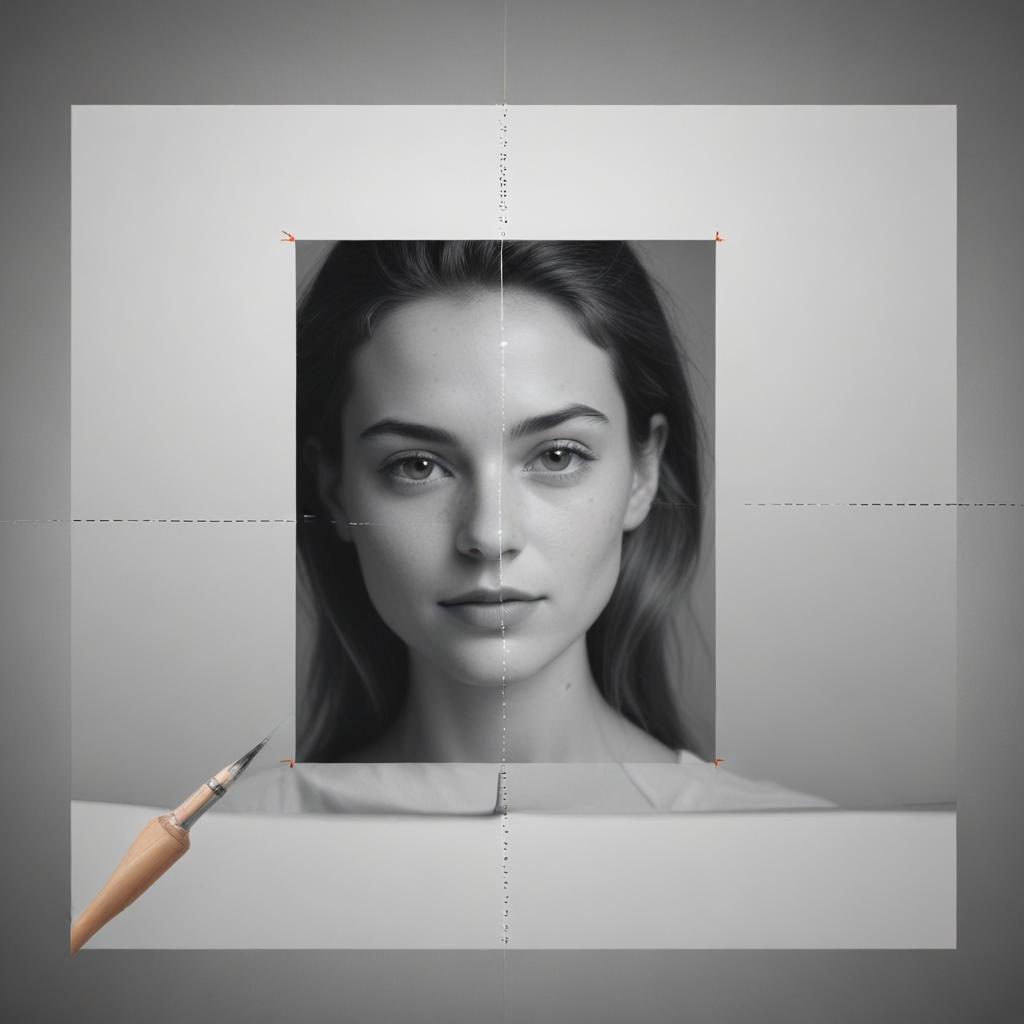
Crop Images Online Free – Best Precision Photo Cropping Tool for Perfect Results
Getting the perfect shot isn’t always about having the best camera. Sometimes, the magic happens after you take the picture. Whether you’re fixing a family photo, creating content for social media, or preparing images for a presentation, knowing how to crop image online can transform your ordinary photos into stunning visuals that grab attention and tell your story better.
Cropping images online has become the go-to solution for millions of people who want professional-looking results without expensive software or technical expertise. A good photo cropper tool gives you the power to remove unwanted elements, focus on your subject, and create perfectly sized images for any purpose. The best part? You can do all this right from your web browser, anytime and anywhere you have an internet connection.
Why Online Photo Cropping Tools Are Game-Changers
The digital world moves fast, and waiting around for bulky software to load isn’t an option anymore. Online cropping tools have revolutionized how we edit photos by making the process quick, simple, and accessible to everyone.
Speed and Convenience
Traditional photo editing software can take forever to download, install, and learn. Online tools get you editing in seconds. You simply upload your image, make your adjustments, and download the result. No complicated menus, no confusing buttons – just straightforward editing that gets the job done.
No Software Installation Required
Your computer’s storage space is precious. Why fill it up with programs you might only use occasionally? Web-based image cropping editors work directly in your browser, meaning you can access professional-grade tools without cluttering your hard drive or dealing with software updates.
Cross-Platform Compatibility
Whether you’re using a Windows PC, Mac, tablet, or even your phone, online cropping tools work the same way. This flexibility means you can edit photos during your lunch break, while traveling, or whenever inspiration strikes.
Essential Features of Professional Photo Cropping Tools
Not all cropping tools are created equal. The best ones combine ease of use with powerful features that give you precise control over your images.
| Feature | Benefit | Best For |
|---|---|---|
| Aspect Ratio Presets | Maintains perfect proportions | Social media, printing |
| Custom Dimensions | Exact size control | Web design, presentations |
| Smart Crop Suggestions | AI-powered recommendations | Beginners, quick edits |
| Batch Processing | Edit multiple photos at once | Large photo collections |
| Format Options | Save in different file types | Various use cases |
| Quality Settings | Balance file size and clarity | Web vs. print usage |
Precision Controls That Matter
The difference between amateur and professional-looking photos often comes down to precision. Quality photo cropper tools offer pixel-perfect accuracy, letting you make tiny adjustments that have huge visual impact. You can align elements perfectly, create balanced compositions, and ensure your focal points are exactly where you want them.
Smart Cropping Technology
Modern cropping tools use artificial intelligence to suggest the best crop for your image. This technology analyzes your photo’s composition, identifies the main subject, and recommends crops that follow photography best practices. It’s like having a professional photographer guide your editing decisions.
Step-by-Step Guide to Cropping Images Like a Pro
Getting professional results doesn’t require years of training. Follow these simple steps to resize and crop images with confidence and skill.
Step 1: Choose Your Starting Point
Before you begin cropping, think about your end goal. Are you creating a profile picture? Preparing an image for Instagram? Making a thumbnail for a blog post? Your intended use will guide your cropping decisions and help you choose the right aspect ratio.
Step 2: Upload and Assess Your Image
Take a moment to really look at your photo before making any changes. What’s the main subject? What elements distract from your message? Where do your eyes naturally go when you look at the image? Understanding these elements will help you make better cropping choices.
“A great crop can turn a snapshot into a masterpiece by removing distractions and highlighting what really matters in your photo.”
Step 3: Apply the Rule of Thirds
Imagine your image divided into nine equal sections by two horizontal and two vertical lines. The most visually appealing compositions place important elements along these lines or at their intersections. Most online cropping tools include a rule of thirds grid to guide your positioning.
Step 4: Consider Your Aspect Ratios
Different platforms and purposes require different image dimensions:
- Square (1:1): Perfect for Instagram posts and profile pictures
- Landscape (16:9): Great for website headers and presentations
- Portrait (4:5): Ideal for Instagram stories and Pinterest
- Custom sizes: For specific requirements like email headers or banner ads
Step 5: Fine-Tune Your Selection
Don’t settle for your first attempt. Try different crop positions and sizes. Move your crop area around and see how it changes the photo’s impact. Sometimes moving the crop just a few pixels can dramatically improve the composition.
Advanced Techniques for Better Results
Once you’ve mastered the basics, these advanced techniques will help you create truly outstanding images.
Creating Visual Balance
Balance doesn’t always mean centering your subject. Sometimes, placing your main element off-center creates more dynamic and interesting compositions. Use the visual weight of different elements in your photo to create harmony without symmetry.
Using Negative Space Effectively
Empty areas in your photos aren’t wasted space – they’re opportunities. Negative space can make your subject stand out, create a sense of calm, or suggest movement and direction. When you trim photos online, consider how much breathing room your subject needs.
Maintaining Image Quality
Every time you crop an image, you’re removing pixels. This means your final image will have a lower resolution than your original. To maintain quality:
- Start with the highest resolution image possible
- Avoid extreme crops that remove too much of the original
- Choose appropriate file formats for your needs
- Consider the final display size when making cropping decisions
Common Cropping Mistakes to Avoid
Even experienced editors make these mistakes. Learning to recognize and avoid them will instantly improve your results.
Cutting Off Important Details
It’s easy to get focused on one part of your image and accidentally crop out something important. Always check the edges of your crop area before finalizing your edit. Make sure you’re not cutting off hands, feet, or other crucial elements.
Ignoring the Background
Your subject might look perfect, but what’s happening behind them? Distracting background elements can ruin an otherwise great crop. Look for power lines growing out of heads, busy patterns that compete for attention, or unwanted objects at the edges of your frame.
Over-Cropping
Sometimes less is more. If you crop too tightly, you might create a cramped feeling or remove context that makes your photo more interesting. Leave some breathing room around your subject, especially for portraits.
Choosing the Right Tool for Your Needs
The internet is full of cropping tools, but not all of them will meet your specific requirements. Here’s what to look for when selecting an image cropping editor.
Free vs. Premium Options
Many online tools offer basic cropping for free, with premium features available for a subscription. Consider your needs:
- Free tools work great for occasional use and basic crops
- Premium tools offer advanced features like batch processing, cloud storage, and additional editing options
User Interface and Experience
The best tool is the one you’ll actually use. Look for interfaces that feel intuitive and don’t overwhelm you with options you don’t need. A clean, simple design often leads to better results than complex software with hundreds of features.
Output Quality and Formats
Make sure your chosen tool can export images in the formats you need (JPEG, PNG, etc.) and maintain good quality at your desired file sizes. Some tools compress images too heavily, resulting in pixelated or blurry results.
FAQ Section
Q: Can I crop images online without losing quality? A: Yes, but quality depends on several factors. Starting with high-resolution images, avoiding extreme crops, and choosing the right output settings will help maintain quality. However, any crop will reduce the total number of pixels in your image.
Q: What’s the difference between cropping and resizing? A: Cropping removes parts of your image to change composition or aspect ratio. Resizing changes the dimensions of your entire image without removing content. Many tools let you resize and crop images in the same workflow.
Q: Are online photo cropping tools safe to use? A: Reputable tools are generally safe, but always read privacy policies. Some tools automatically delete uploaded images after processing, while others may store them temporarily. Avoid uploading sensitive or personal photos to unknown platforms.
Q: Can I undo changes after cropping? A: Most online tools allow you to adjust your crop before finalizing it, but once you download the cropped image, the changes are permanent. Always keep a copy of your original image before editing.
Q: What aspect ratio should I use for social media? A: Different platforms prefer different ratios:
- Instagram posts: 1:1 (square) or 4:5 (portrait)
- Facebook posts: 16:9 (landscape) or 1:1 (square)
- Twitter: 16:9 (landscape)
- LinkedIn: 1.91:1 (landscape)
Q: How do I crop multiple images at once? A: Look for tools that offer batch processing features. These allow you to apply the same crop settings to multiple images simultaneously, saving time when working with large photo collections.
Q: Can I crop images on my phone? A: Absolutely! Most online photo cropper tools work perfectly on mobile devices through your web browser. Many also offer dedicated mobile apps for even easier editing on the go.
Whether you’re a complete beginner or someone looking to improve your photo editing skills, mastering the art of online image cropping will transform how your photos look and feel. With the right tools and techniques, you can create professional-quality images that capture attention and communicate your message perfectly. Start experimenting today, and discover how this simple skill can make a huge difference in all your visual content.