AI Sky Replacement Tools for Stunning Landscapes
Transform Dull Skies in Seconds: The Magic of AI Sky Replacement
Did you know that professional photographers often take landscape photos at two different times—one for the foreground and one for the sky—then blend them together later?
You’ve probably experienced this: you find a beautiful landscape, take the perfect shot, but the sky looks bland and gray. The whole photo feels flat and disappointing. With AI sky replacement, you can fix this in seconds, turning a mediocre shot into a breathtaking masterpiece.
Why the Sky Makes or Breaks Your Landscape Photos
The sky is more than just empty space in your photo—it’s the backdrop that sets the entire mood.
The Mood Maker
Think about how different skies make you feel:
- Bright blue with fluffy clouds: Happy and peaceful
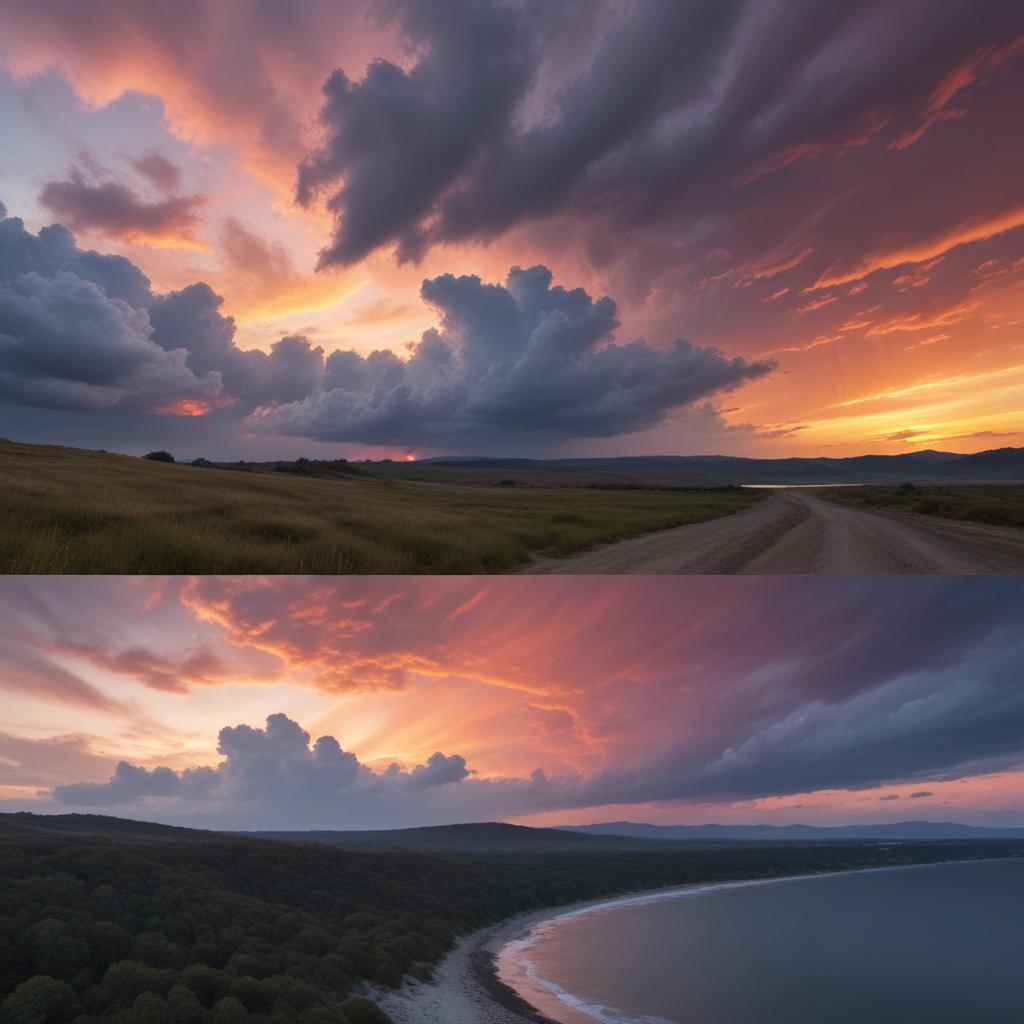
- Dramatic sunset: Romantic and awe-inspiring
- Stormy gray clouds: Moody and intense
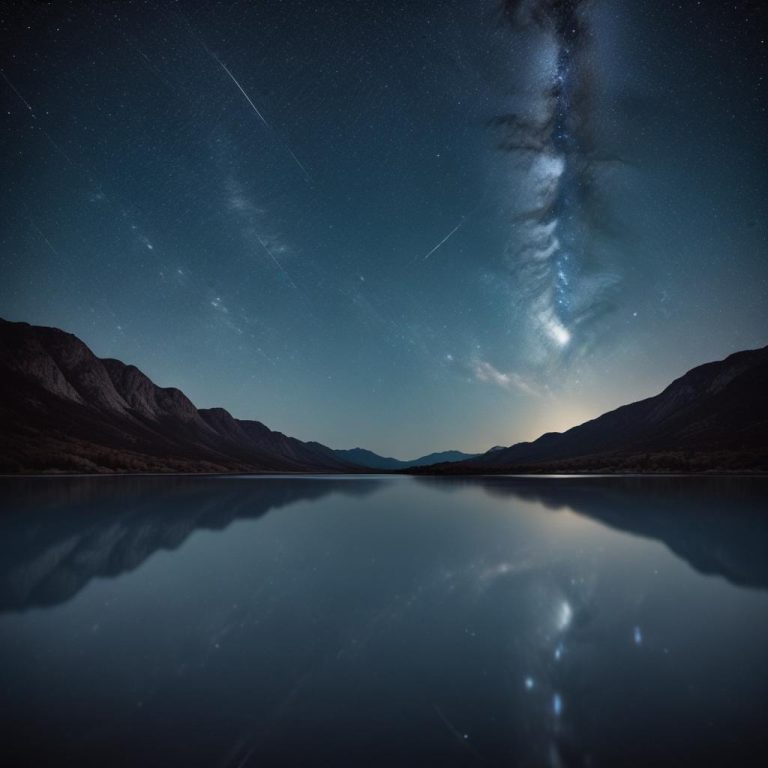
- Starry night: Magical and mysterious
A boring sky can make even the most beautiful landscape feel ordinary, while a dramatic sky can elevate a simple scene into something extraordinary.
The Lighting Director
The sky doesn’t just provide color and interest—it affects how light falls on your entire scene. A replacement sky should match the lighting direction and color temperature of your original photo. This is where old manual methods often failed, but AI gets it right automatically.
How AI Sky Replacement Works Its Magic
The technology behind this is more sophisticated than just cutting out trees and pasting in clouds.
Smart Detection and Blending
When you use AI sky replacement, the software doesn’t just look for the blue areas. It actually understands your photo by:
- Detecting the horizon line and all objects that break into the sky (trees, buildings, mountains)
- Analyzing the original lighting to match the new sky’s light direction and color
- Adjusting reflections in water or glass to include the new sky colors
- Matching colors throughout the entire image so everything looks natural
The AI is essentially doing what a professional photo editor would do, but in seconds instead of hours.
Beyond Simple Cut-and-Paste
What makes modern AI tools special is their understanding of depth and atmosphere. They know that distant objects should be softer and might have some haze from the sky color. They maintain realistic atmospheric perspective that makes the blend look completely natural.
Top AI Sky Replacement Tools You Can Use Today
Ready to try transforming your skies? Here are the best tools available right now.
| Tool Name | Best For | Cost | Special Feature |
|---|---|---|---|
| Luminar Neo | Creative photographers | Paid | Massive sky library & realistic lighting |
| Adobe Photoshop | Professionals & serious hobbyists | Subscription | Incredible control & precision |
| Canva | Social media users & beginners | Freemium | Easy browser-based editing |
| Photopea | Free alternative users | Free | Surprisingly capable online editor |
Finding Your Perfect Sky Tool
Luminar Neo has become the gold standard for AI sky replacement. It offers hundreds of realistic skies and does an amazing job with complex edges like hair and tree branches. The lighting adaptation is particularly impressive.
Adobe Photoshop’s sky replacement feature is built right into the latest versions. It’s incredibly powerful and gives you complete control over every aspect of the blend. If you’re already using Photoshop, you might be surprised to discover this powerful tool is already in your arsenal.
Canva makes sky replacement accessible to everyone. The process is as simple as clicking “Edit image,” then “BG Remover,” and choosing a new sky from their library. It’s perfect for quick social media posts.
Photopea is the free, browser-based alternative that works surprisingly well. While it doesn’t have dedicated AI sky replacement, its selection tools and layer blending can achieve similar results with a bit more manual work.
Your First Sky Replacement: Simple Step-by-Step
The process is surprisingly easy, even if you’ve never edited photos before.
- Choose Your Photo: Pick a landscape photo where the sky is dull but the foreground is interesting. The more defined your horizon line, the better the results.
- Open Sky Replacement Tool: In your chosen editor, look for “Sky Replacement,” “AI Sky,” or similar in the menus.
- Pick Your New Sky: Browse the available skies. Most tools categorize them by mood—sunny, dramatic, sunset, night.
- Let the AI Work: The software will automatically detect your sky area and replace it. This usually takes just a few seconds.
- Fine-tune the Blend: Adjust these key settings if available:
- Lighting adjustment to match the new sky’s light to your foreground
- Color matching to blend colors naturally
- Edge refinement for tricky areas like tree branches
- Save Your Masterpiece: Export your new image and compare it to the original. The difference will amaze you!
Always work on a copy of your original photo so you never lose your starting point.
Making Your Sky Replacements Look Real
The technology is amazing, but you can help it create even more believable results.
Choose Skies That Make Sense
A bright midday sky won’t look right behind a foreground lit by sunset light. Pick replacement skies that match the time of day and weather conditions of your original photo.
Consider the Season
A summer sky with green trees looks natural, but that same sky behind bare winter trees might feel off. Think about what skies naturally occur during the season you photographed.
Watch the Lighting Direction
The most important clue that gives away fake sky replacements is inconsistent lighting. If the sun in your new sky is on the right, but the shadows in your foreground go left, it will look wrong.
“The best sky replacement is invisible—viewers should feel the emotion of the image, not notice the technique.”
Creative Possibilities Beyond Fixing Bad Skies
While replacing dull skies is the most common use, don’t stop there!
- Create fantasy scenes with impossible skies (double suns, alien planets)
- Add consistent skies to a series of photos taken at different times
- Experiment with different moods for the same landscape
- Add celestial elements like moons, stars, or northern lights
Let your creativity run wild—you’re not limited to skies that exist in nature!
Frequently Asked Questions
Will people know I replaced the sky?
With modern AI tools, the results are incredibly realistic. Unless you choose an impossible sky or ignore lighting direction, most viewers will never suspect.
Can I use my own sky photos?
Most professional tools let you import your own sky images, giving you unlimited creative possibilities.
Does it work with complex edges like hair?
Yes! Modern AI is remarkably good at detecting fine details like individual hairs or tree branches against sky backgrounds.
What if my horizon isn’t straight?
The AI usually detects and follows your horizon automatically, even if it’s uneven. You can also manually adjust it in most tools.
Can I use this for video?
Yes, but video sky replacement requires more specialized tools and computing power. The technology is advancing quickly though!
Is it cheating to replace skies?
That’s a personal choice! Many photographers see it as creative expression, similar to how painters choose their skies. What matters is creating images you love.
Transform Your Landscape Photography Forever
AI sky replacement isn’t just a technical trick—it’s a creative superpower. It means you no longer have to cancel photo shoots because of bad weather or settle for dull skies when you find the perfect landscape.
The ability to control the mood and drama of your images through sky replacement puts creative control firmly in your hands. Your landscapes can now always have the perfect sky, regardless of what the weather actually delivered.
What’s the most disappointing sky you’ve ever had in a landscape photo? Share your story below—you might be just one click away from fixing it!