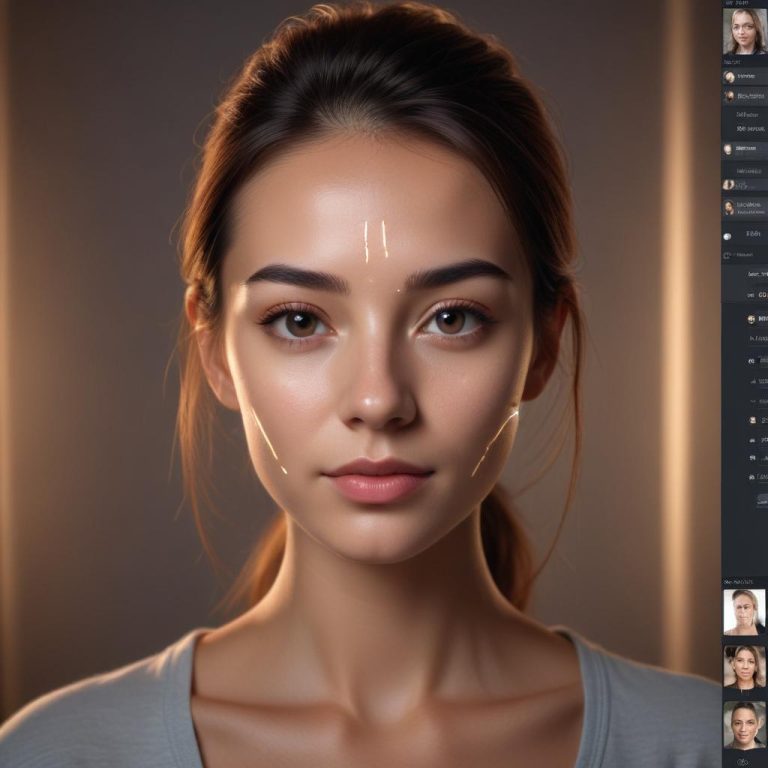
Let AI Do the Boring Part: How Automated Photo Culling Saves Your Weekend
Did you know professional photographers often shoot thousands of photos for a single event, then spend more time sorting them than actually editing?
If you’ve ever returned from a vacation or photoshoot with hundreds of similar-looking images, you know the pain of culling—the process of picking the best shots. It’s tedious, time-consuming, and honestly, the worst part of photography. But what if you could hand this boring task to an intelligent assistant?
What Is Photo Culling and Why Does It Take So Long?
Let’s break down why this simple-sounding task eats up so much of your time.
The Needle in a Haystack Problem
Photo culling is the process of going through all your images to find the “keepers.” You’re looking for the shots that are:
- In sharp focus
- Well-exposed
- Perfectly timed
- Free of blinks or awkward expressions
The average person takes three similar photos to get one good one. For a day at the zoo, that might mean 300 photos to sort through. For a wedding photographer, it could be 3,000.
Why Our Brains Get Tired of Culling
After looking at dozens of nearly identical images, your brain starts to get something called “decision fatigue.” The 50th photo of the same smiling couple might look just as good as the 49th, but your tired brain can’t tell the difference anymore.
This is where AI doesn’t just save you time—it saves your mental energy for the creative parts you actually enjoy.
How AI Sees Your Photos Differently
Artificial Intelligence doesn’t get tired, doesn’t get bored, and can analyze details humans might miss.
The AI’s Checklist
When AI culls your photos, it’s looking for specific technical and aesthetic qualities:
- Sharpness: It can detect whether the eyes in a portrait are perfectly in focus
- Exposure: It knows if a photo is too dark or too bright
- Composition: It can recognize well-framed shots versus awkward crops
- People Analysis: This is the magic part—AI can detect blinks, closed eyes, and even unflattering expressions
Think of AI as a super-efficient assistant who never needs coffee breaks and has perfect vision.
Beyond Technical Perfection
The best AI culling tools don’t just look for technical perfection. They’re trained to understand what makes a photo emotionally appealing. They can recognize genuine smiles versus forced ones, and they understand that sometimes a slightly soft-focused image might have the perfect moment.
Top AI Culling Tools That Actually Work
You might be surprised how accessible this technology has become. Here are some tools that can transform your workflow.
| Tool Name | Best For | Cost | Standout Feature |
|---|---|---|---|
| AfterShoot | Professional photographers | Paid | Learns from your picks over time |
| Imagen AI | Portrait & wedding photographers | Subscription | Powerful expression detection |
| Photomechanic Plus | Fast-paced event photography | Paid | Blazing speed with AI assistance |
| Adobe Lightroom | Hobbyists & pros already in Adobe ecosystem | Subscription | Built-in AI tagging & face detection |
Finding the Right Tool for You
AfterShoot is like having an apprentice that learns your style. The more you use it, the smarter it gets about what kinds of photos you prefer.
Imagen AI is fantastic for people photography because it’s incredibly accurate at detecting blinks and unflattering expressions. It can spot a half-blink that you might miss when you’re scrolling quickly.
For most hobbyists, Adobe Lightroom’s built-in features might be enough. The AI can already automatically tag photos by subject (people, buildings, landscapes) and rate them by quality, giving you a huge head start.
Your First AI Culling Session: A Simple Guide
Ready to try it? Here’s how to get started with most AI culling tools.
- Import Your Photos: Start by getting all your images into your chosen software, just like you normally would.
- Let the AI Work Its Magic: Look for a button that says “Cull,” “Select Best,” or “AI Pick.” The software will scan through all your images and analyze them.
- Review the Results: The AI will usually give you ratings or picks. Most tools use a color-coding system:
- Green for “definitely keep”
- Yellow for “maybe”
- Red for “reject”
- Make the Final Call: Go through the AI’s selections quickly. You’re the boss—override any picks you disagree with. This final review takes minutes instead of hours.
- Delete the Rejects: Once you’re happy with your selections, you can safely delete the rejected photos and free up space on your hard drive.
Always back up your photos before doing any major culling or deleting! Even the smartest AI can make mistakes.
What the AI Can’t Do (Yet)
While AI is incredibly helpful, it’s not perfect. Here’s where human judgment still rules:
- Emotional Connection: The AI doesn’t know that the slightly blurry photo of your child’s first steps is your favorite memory
- Creative Vision: It might not understand your artistic style or the story you’re trying to tell
- Personal Relationships: It doesn’t know which family members you prefer to highlight in group photos
“AI culling is like having a brilliant intern—it does 90% of the grunt work, but you still need to provide the creative direction and final approval.”
Making AI Work Better for You
You can help the AI help you by following some simple shooting habits:
- Shoot in bursts for important moments, but be reasonable
- Give the AI good data—well-exposed, properly focused photos are easier to evaluate
- Take a moment between shots to compose carefully rather than spraying and praying
Frequently Asked Questions
Is my privacy safe with AI culling tools?
Most reputable tools process your photos locally on your computer, not on their servers. Always check the privacy policy of any software you use.
Can AI culling work for landscape and wildlife photography?
Absolutely! While the people-detection features might not apply, the sharpness, exposure, and composition analysis work beautifully for all types of photography.
What if the AI makes a mistake?
All good AI culling tools let you easily override their choices. You’re always in control of the final selection.
Do I need a powerful computer?
For basic culling of a few hundred photos, most modern computers can handle it. For thousands of high-resolution images, a more powerful computer will process them faster.
Can I teach the AI my personal preferences?
Some advanced tools like AfterShoot actually learn from your corrections over time, getting smarter with each session.
Is it worth the cost for a hobby photographer?
If you value your time and regularly take hundreds of photos, even the paid tools can be worth it. Many offer free trials so you can test the time savings for yourself.
Reclaim Your Creative Time
The real magic of AI culling isn’t just about saving hours—it’s about getting back to what you love about photography. Instead of spending your Saturday afternoon staring at similar-looking thumbnails, you could be out shooting or actually editing your best work.
What would you do with the extra time if you could cut your photo sorting time by 80%? Share your ideas in the comments below!