Add Beautiful Frames to Your Photos Online – 100+ Free Photo Frame Templates | Free Picture Frame Maker
Want to make your photos look amazing without spending money? Adding frames to your pictures is one of the easiest ways to transform ordinary snapshots into stunning works of art. Whether you’re sharing memories on social media or creating gifts for loved ones, the right frame can make all the difference.
Photo frames online have revolutionized how we enhance our digital memories. Instead of expensive software or professional editing skills, you can now add frames to pictures with just a few clicks. Free photo borders and decorative elements help your images stand out, while a good picture frame maker gives you creative control over the final result. With over 100 free templates available, you’ll never run out of creative options for your photos.
Why Photo Frames Matter More Than You Think
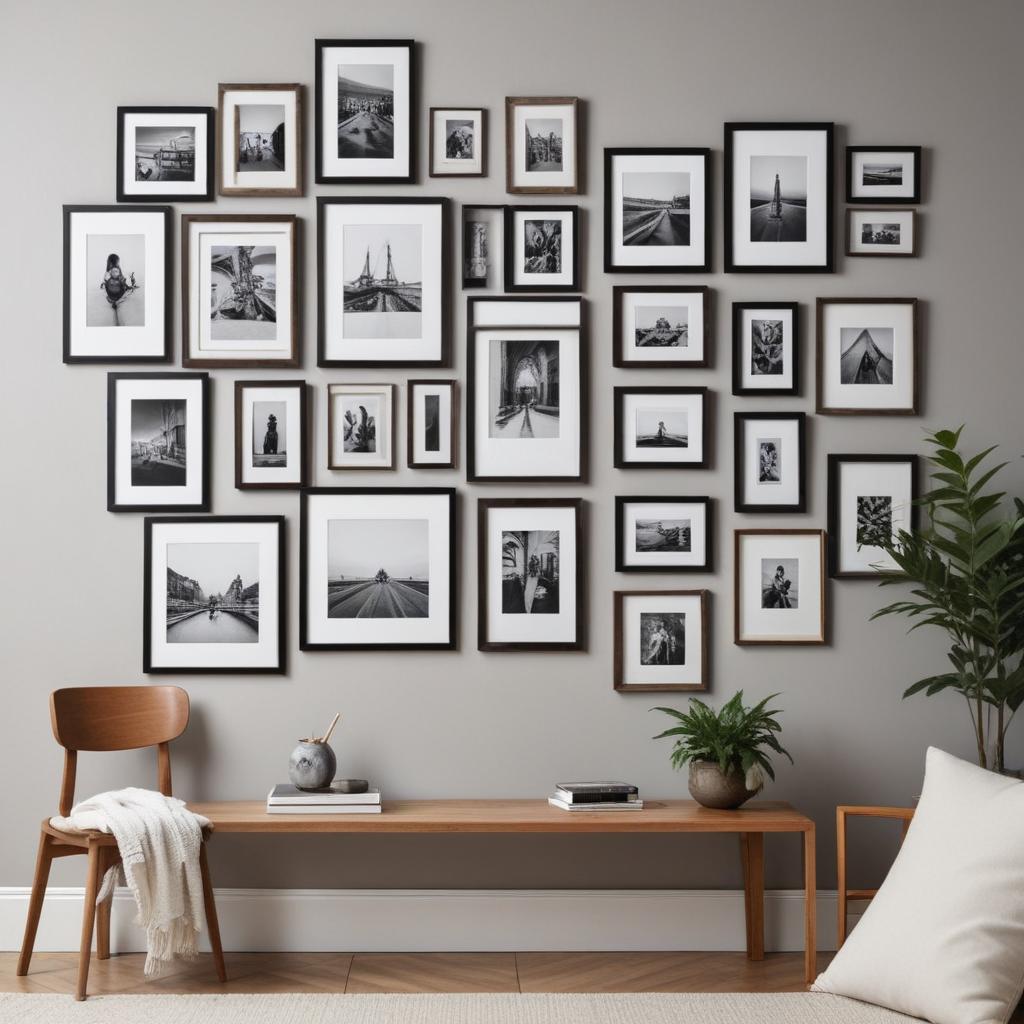
Picture frames aren’t just decorative elements – they’re powerful tools that can completely change how people see your photos. Think about it: when you walk into a fancy art gallery, every painting has a beautiful frame that makes it look more important and valuable.
The same magic happens with your digital photos. A simple border can turn a casual selfie into something that looks professional. Decorative photo frames help draw attention to what’s important in your image while adding personality and style.
Here’s what makes frames so special:
- Focus Enhancement: Frames create a boundary that helps viewers focus on your main subject
- Emotional Impact: Different frame styles can make photos feel romantic, vintage, modern, or playful
- Professional Appearance: Even amateur photos look more polished with the right frame
- Storytelling: Frames can reinforce the mood or theme of your picture
Types of Photo Frames You Can Use
Classic and Elegant Frames
Traditional frames never go out of style. These designs work perfectly for family portraits, wedding photos, and formal occasions. Classic frames usually feature:
- Simple wooden textures
- Gold or silver metallic borders
- Clean geometric shapes
- Subtle shadow effects
These frames add sophistication without overwhelming your photo.
Fun and Creative Borders
When you want your photos to have more personality, creative frames are the way to go. These designs include:
- Colorful patterns and textures
- Seasonal themes (flowers, snowflakes, leaves)
- Holiday-specific decorations
- Cartoon and playful elements
Modern Minimalist Styles
Sometimes less is more. Minimalist frames focus on clean lines and simple designs that enhance your photo without competing for attention. Popular minimalist options include:
- Thin solid color borders
- Geometric shapes
- Gradient backgrounds
- Transparent overlays
Themed Photo Frames
Special occasions call for special frames. Themed options help match your photos to specific events or moods:
- Birthday and celebration frames
- Travel and vacation borders
- Sports and hobby themes
- Love and romance designs
Complete Guide to Frame Styles and Uses
| Frame Category | Best For | Popular Colors | Recommended Size |
|---|---|---|---|
| Classic Wooden | Family portraits, formal events | Brown, black, white | Medium to large borders |
| Metallic Borders | Professional photos, certificates | Gold, silver, bronze | Thin to medium |
| Floral Designs | Wedding photos, spring pictures | Pink, purple, green | Medium borders |
| Vintage Styles | Old photos, retro themes | Sepia, cream, faded colors | Thick, ornate borders |
| Modern Geometric | Social media, contemporary art | Black, white, bright colors | Thin, clean lines |
| Holiday Themes | Seasonal photos, celebrations | Red, green, blue, orange | Variable sizes |
How to Choose the Perfect Frame for Your Photo
Picking the right frame isn’t just about what looks pretty – it’s about matching the frame to your photo’s content, mood, and purpose.
Consider Your Photo’s Subject
Different subjects work better with different frame styles. Portrait photos of people usually look great with classic or elegant frames that don’t distract from faces. Landscape photos can handle more decorative elements since they often have lots of detail already.
Think About Color Harmony
The colors in your frame should either complement or contrast nicely with your photo. If your picture has lots of warm colors (reds, oranges, yellows), try frames with similar warm tones. For cool-toned photos (blues, greens, purples), cool-colored frames work well.
Pro Tip: When in doubt, neutral colors like black, white, or gray work with almost any photo.
Match the Mood
Your frame should reinforce the feeling you want your photo to convey. Romantic photos call for soft, flowing frames with hearts or flowers. Action shots might need bold, dynamic borders. Family photos often work best with warm, traditional frames.
Consider Where You’ll Use It
Are you posting on Instagram? Choose frames that look good on mobile screens. Making a print for your wall? Pick something that will complement your room’s decor. Different platforms and uses call for different approaches.
Step-by-Step Guide to Adding Frames Online
Getting started with photo frames online is easier than you might think. Most picture frame maker tools follow a similar process that anyone can master.
Getting Started
First, choose a reliable online photo editor that offers frame options. Look for platforms that provide free photo borders and don’t require downloads or registrations for basic features.
Upload Your Photo
Most tools let you drag and drop your image directly into the browser. Make sure your photo is high quality – frames can’t fix blurry or low-resolution images.
Browse Frame Categories
Take time to explore different categories. Don’t just grab the first frame you see. Try several options to see what works best with your specific photo.
Adjust and Customize
Once you’ve chosen a frame, you can usually:
- Resize the border thickness
- Change colors or opacity
- Adjust the position
- Add text or other elements
Preview and Download
Always preview your final image at full size before downloading. This helps you catch any issues with resolution or alignment.
Advanced Tips for Professional-Looking Results
Layer Multiple Elements
Don’t be afraid to combine frames with other decorative elements. A subtle background texture plus a simple frame can create depth and interest without being overwhelming.
Pay Attention to Resolution
Keep your original photo’s resolution high throughout the editing process. Low-resolution images will look pixelated when you add frames, especially if you plan to print them.
Experiment with Opacity
Many online tools let you adjust how transparent or solid your frame appears. Sometimes a semi-transparent frame works better than a completely solid one.
Consider Aspect Ratios
Different social media platforms prefer different photo dimensions. Instagram likes square images, while Facebook works well with horizontal rectangles. Choose frames that work with your intended aspect ratio.
Creative Ideas for Using Photo Frames
Social Media Enhancement
Add frames to pictures before posting them online. Frames help your photos stand out in busy social media feeds where hundreds of images compete for attention.
Gift Creation
Turn ordinary photos into thoughtful gifts by adding elegant frames. Print framed photos for birthdays, anniversaries, or holidays. People love receiving personalized photo gifts.
Memory Books and Albums
Create cohesive photo albums by using similar frame styles throughout. This gives your collection a professional, organized appearance.
Business and Marketing
Use framed photos for business purposes. Real estate agents can frame property photos, while restaurants might frame food pictures for their websites.
Common Mistakes to Avoid
Overcomplicating Your Design
The biggest mistake people make is choosing frames that are too busy or decorative. Remember, the frame should enhance your photo, not compete with it.
Ignoring Image Quality
No frame can fix a bad photo. Start with clear, well-lit images for the best results.
Mismatching Styles
Make sure your frame style matches your photo’s mood and content. A silly cartoon frame probably won’t work well with a serious portrait.
Forgetting About File Sizes
Adding frames increases your file size. If you’re uploading to websites or sending via email, consider compressing your final image.
Frequently Asked Questions
Can I use free photo frames for commercial purposes?
Most free frame collections allow personal and commercial use, but always check the specific terms of service. Some premium designs may have usage restrictions.
What’s the best image format for framed photos?
PNG format works best because it supports transparency and maintains high quality. JPEG is fine for most uses but may show compression artifacts.
How do I make sure my framed photos look good when printed?
Use high-resolution source images (at least 300 DPI) and choose frames that won’t interfere with important details in your photo.
Can I edit frames after I’ve applied them?
Most online editors let you undo and modify changes before finalizing your download. Save your work frequently and keep original copies of your photos.
Do photo frames work on mobile devices?
Yes! Many modern photo editing tools work perfectly on smartphones and tablets. The process is just as easy as on desktop computers.
What if I don’t like how my framed photo turns out?
That’s the beauty of digital editing – you can try again! Keep experimenting with different frames until you find one that works perfectly with your image.
Transform your ordinary photos into extraordinary memories with the power of decorative photo frames. Whether you’re a social media enthusiast, a memory-keeping parent, or someone who just loves beautiful pictures, online framing tools give you endless creative possibilities without spending a dime.