Create Photo Collages Online Free – Easy Drag & Drop Photo Collage Maker
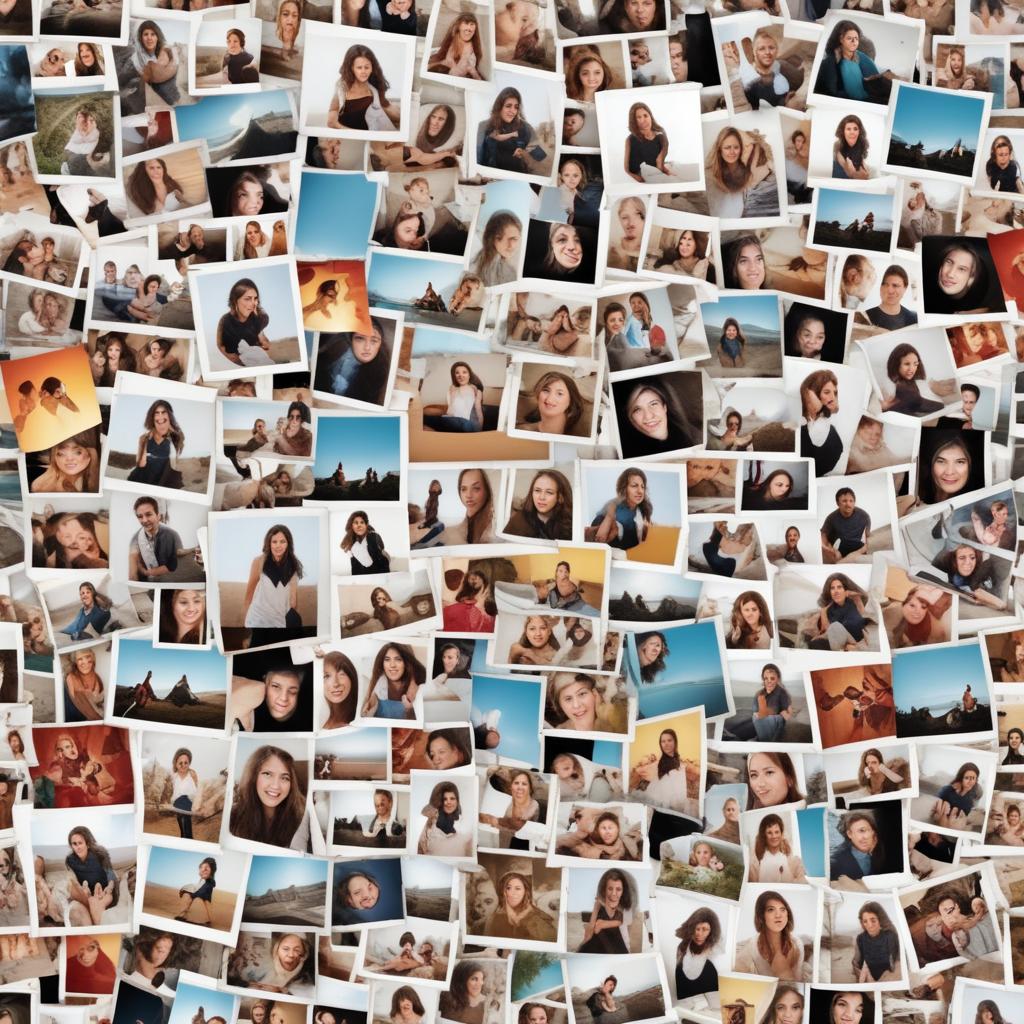
Making beautiful photo collages has never been easier thanks to modern online tools that let you combine your favorite memories into stunning visual stories. Whether you want to showcase vacation highlights, create a birthday tribute, or design social media content, free online collage makers offer the perfect solution without requiring expensive software or design skills.
A photo collage maker is a digital tool that allows you to combine multiple photos into a single, attractive layout. These online platforms typically feature drag-and-drop functionality, pre-designed templates, and customization options that make creating professional-looking collages simple and fun. Most free collage generators work directly in your web browser, meaning you can start creating immediately without downloads or installations.
Why Choose Online Photo Collage Makers?
Convenience and Accessibility
Online collage makers shine because of their incredible convenience. You can access these tools from any device with internet connection – whether you’re using a laptop at home, a tablet during lunch break, or even your smartphone while traveling. This flexibility means your creative projects aren’t tied to a specific computer or location.
The free collage generator approach eliminates the need for expensive software subscriptions. Traditional photo editing programs can cost hundreds of dollars annually, but online alternatives provide similar functionality at zero cost. This democratization of design tools means anyone can create professional-looking collages regardless of their budget.
User-Friendly Interface
Most online picture collage tools prioritize simplicity in their design. The typical workflow involves three easy steps: upload your photos, choose a template, and customize your layout. This streamlined process removes the intimidation factor that often comes with complex design software.
Drag-and-drop functionality makes arranging photos as natural as moving items on your desk. Simply click on a photo and move it to your desired position. No technical knowledge required – if you can use a computer mouse, you can create beautiful collages.
Essential Features to Look For
Template Variety and Customization
The best online collage makers offer diverse template collections to match different occasions and styles. Look for platforms that provide:
- Holiday-themed layouts for Christmas, birthdays, and special celebrations
- Social media optimized templates for Instagram, Facebook, and Pinterest
- Professional formats suitable for business presentations or portfolios
- Creative artistic designs for more expressive projects
Customization options should include the ability to adjust spacing between photos, change background colors, add text overlays, and modify border styles. These features ensure your collage reflects your personal vision rather than looking like everyone else’s creation.
Photo Editing Tools
While the primary function is combining photos, quality photo montage makers also include basic editing capabilities. Essential editing features include:
- Brightness and contrast adjustments
- Color saturation controls
- Cropping and resizing options
- Filter and effect applications
- Red-eye removal tools
Having these features integrated saves time by eliminating the need to edit photos in separate applications before creating your collage.
Step-by-Step Guide to Creating Your First Collage
Getting Started
Begin by selecting a reputable photo collage maker that offers the features you need. Most platforms allow you to start creating immediately without account registration, though signing up often provides additional benefits like cloud storage for your projects.
Choose your collage template based on the number of photos you plan to include and your intended use. Instagram posts work best with square formats, while Facebook covers require landscape orientations. Family photo displays might benefit from grid-style layouts that give equal prominence to each image.
Uploading and Arranging Photos
Once you’ve selected your template, upload your chosen photos. Most platforms support common image formats including JPEG, PNG, and GIF files. Many tools also allow direct imports from social media accounts and cloud storage services, making it easy to access photos stored across different platforms.
After uploading, drag each photo to its designated spot in your chosen layout. Don’t worry about perfect placement initially – you can always fine-tune positions later. Focus on getting the basic arrangement that tells your visual story effectively.
Fine-Tuning Your Design
With photos in place, begin refining your collage’s appearance. Adjust individual photo sizes to create visual hierarchy – larger photos naturally draw more attention and work well for focal points. Smaller images can provide supporting context or fill background space.
Experiment with spacing between photos. Tight spacing creates unified, magazine-style looks, while generous spacing produces cleaner, more modern aesthetics. Background color choices also significantly impact overall mood – darker backgrounds create drama, while light colors maintain cheerful, casual feelings.
Comparison of Popular Free Collage Makers
| Feature | Canva | PicMonkey | Fotor | Photo-Editor.Shop | Adobe Spark |
|---|---|---|---|---|---|
| Free Templates | 100+ | 50+ | 75+ | 200+ | 80+ |
| Drag & Drop | ✓ | ✓ | ✓ | ✓ | ✓ |
| Mobile Friendly | ✓ | ✓ | ✓ | ✓ | ✓ |
| Text Options | Advanced | Basic | Moderate | Advanced | Advanced |
| Export Quality | High | Medium | High | High | High |
| Storage Limit | 1GB | 500MB | Unlimited | Unlimited | 2GB |
| Watermark | No | Yes (free) | No | No | No |
Creative Ideas for Different Occasions
Family Memories and Milestones
Family collages work wonderfully for preserving important moments and milestones. Consider creating annual summaries that showcase each family member’s highlights from the year. Birthday collages can feature photos spanning the celebrant’s life, creating touching tributes that double as personalized gifts.
Vacation collages help preserve travel memories in compact, shareable formats. Instead of overwhelming friends with dozens of individual photos, a well-crafted collage tells your travel story concisely while highlighting the most memorable moments.
Social Media and Marketing
Businesses increasingly use photo montage makers for social media content creation. Product showcases benefit from collage formats that display multiple angles or variations in single posts. Service-based businesses can create before-and-after collections that demonstrate their capabilities effectively.
Personal brands also leverage collage formats for Instagram posts, LinkedIn articles, and Facebook updates. These multi-image formats typically generate higher engagement rates than single photos because they provide more visual interest and information density.
Special Events and Celebrations
Wedding collages capture the joy and beauty of these special days while creating keepsakes that couples treasure for decades. Consider combining ceremony photos with reception highlights and candid moments for comprehensive wedding stories.
Graduation celebrations deserve commemorative collages that showcase academic achievements alongside personal growth. Include photos from different school years to illustrate the graduate’s journey and transformation.
Tips for Professional-Looking Results
Photo Selection Strategy
Choose photos with similar lighting conditions when possible. Mixed lighting creates visual discord that distracts from your collage’s overall impact. If you must combine photos with different lighting, use editing tools to balance brightness and contrast across all images.
Maintain consistent photo quality throughout your collage. One low-resolution or blurry photo can diminish the entire composition’s professional appearance. When in doubt, exclude questionable photos rather than compromising the overall quality.
Color Harmony and Balance
Pay attention to color relationships within your collage. Photos with complementary color schemes create more harmonious compositions than randomly selected images. This doesn’t mean all photos need identical colors, but they should work together visually.
Consider your collage’s intended background when selecting photos. Light, busy photos may disappear against white backgrounds, while dark images might blend into black backgrounds. Choose background colors that enhance rather than compete with your photo selection.
Typography and Text Integration
When adding text to collages, choose fonts that complement rather than overwhelm your photos. Clean, simple fonts work best for most applications, while decorative fonts should be reserved for special occasions or artistic projects.
Limit text to essential information – collages are primarily visual mediums where photos should dominate. Excessive text transforms collages into advertisements or flyers, reducing their visual impact and aesthetic appeal.
Advanced Techniques for Creative Collages
Layering and Depth Creation
Advanced users can create visual depth by overlapping photos and adjusting transparency levels. This technique works particularly well for artistic collages where creative expression takes precedence over documentary purposes.
Experiment with different layer arrangements to find combinations that create interesting visual relationships between photos. Sometimes unexpected juxtapositions produce the most compelling results.
Custom Shapes and Borders
Move beyond standard rectangular formats by exploring custom shapes and creative borders. Heart shapes work perfectly for romantic occasions, while star patterns suit celebration themes. Circle arrangements create dynamic, modern looks that work well for social media applications.
Custom borders can transform ordinary collages into artistic statements. Consider using decorative frames, torn edges, or gradient borders to enhance your collage’s visual appeal and thematic consistency.
Troubleshooting Common Issues
File Size and Quality Problems
Large file sizes can slow down the creation process and create uploading difficulties. Most free collage generators automatically compress images to manageable sizes, but you can pre-optimize photos using basic editing tools before uploading.
If your finished collage appears pixelated or blurry, check your export settings. Many platforms offer multiple quality options – choose higher resolution settings for prints and lower resolutions for web sharing to optimize file sizes appropriately.
Layout and Design Challenges
When photos don’t fit well in chosen templates, resist the urge to force awkward arrangements. Instead, try different template options or crop photos to better match available spaces. Sometimes changing your approach produces better results than struggling with unsuitable combinations.
Color clashes between photos can be resolved through careful editing or strategic rearrangement. Use the platform’s editing tools to adjust individual photo saturation or brightness until all elements work together harmoniously.
Frequently Asked Questions
Q: Can I use online collage makers without creating an account? A: Most platforms allow basic collage creation without registration, though signing up often provides additional templates, storage options, and advanced features.
Q: What image formats work best for online collage makers? A: JPEG and PNG files work universally across all platforms. These formats provide good quality while maintaining manageable file sizes for web-based editing.
Q: How do I create collages that look good on social media? A: Choose templates optimized for your target platform’s dimensions. Instagram prefers square formats, while Facebook works better with landscape orientations. Always preview your collage at actual posting size before finalizing.
Q: Are there copyright concerns when using online photos in collages? A: Only use photos you own or have permission to use. Avoid copyrighted images from internet searches unless they’re clearly marked as free-to-use or you have proper licensing.
Q: Can I edit individual photos within the collage maker? A: Most quality picture collage tools include basic editing capabilities like brightness, contrast, and saturation adjustments. For advanced editing, consider preparing photos in dedicated editors before importing.
Q: What’s the best way to print collages created online? A: Export your collage at the highest available resolution and choose appropriate dimensions for your intended print size. Most online platforms optimize for web display, so higher resolution exports work better for physical printing.
Q: How can I make my collages stand out on social media? A: Focus on visual storytelling rather than just combining random photos. Use consistent color schemes, maintain good photo quality, and include engaging captions that encourage interaction with your content.