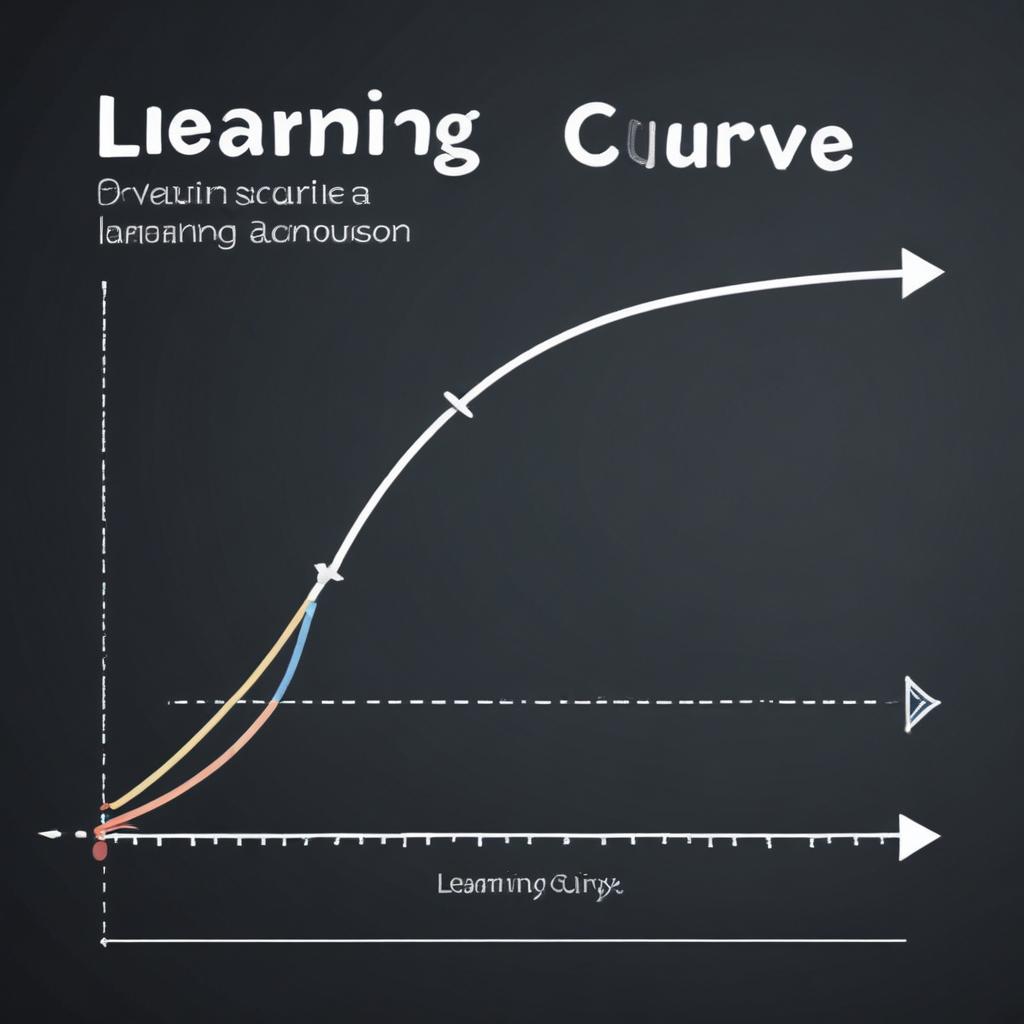
The Learning Curve: How Easy Are AI Photo Tools to Use?
Remember the first time you opened a professional photo editor? The sheer number of sliders, panels, and menus was enough to make you close it and stick with a basic filter.
For years, powerful photo editing had a steep, intimidating learning curve. But Artificial Intelligence is fundamentally changing that story. AI isn’t just adding new features; it’s reshaping the entire user experience, making complex edits accessible to everyone. This guide explores the modern learning curve of AI photo tools, from the “one-click wonders” to the professional suites, and shows you exactly where to start based on your comfort level.
The Great Flattening: How AI Is Making Editing Easier
The traditional learning curve in software like Photoshop looked like a steep mountain. You had to invest significant time to learn technical concepts (layers, masks, curves) before you could achieve impressive results.
AI is flattening that curve into a gentle hill. Now, you can achieve stunning results immediately with intuitive, intent-based tools. The complexity hasn’t vanished, but it’s been moved “under the hood,” handled by the AI. Your job is shifting from technical executor to creative director.
Let’s map the landscape, from the simplest tools to the most advanced.
Level 1: The “Zero-Click” & One-Click Wonder (Effortless)
This is where absolute beginners should start. The learning curve is almost flat.
- The Tools: Auto-Enhance buttons in Google Photos, Apple Photos, or smartphone galleries. AI-powered presets in apps like Canva or Adobe Lightroom Mobile.
- How They Work: You do nothing, or you tap a single button. The AI analyzes your photo for problems with exposure, color, and composition, and fixes them automatically.
- The Learning Curve: Non-existent. There’s nothing to learn. You simply trust the AI’s judgment. The goal is to take a good photo and make it reliably better with zero effort.
- Perfect For: Anyone who wants better photos for social media or family albums without spending any time learning software.
Level 2: The “Tell Me What to Do” Assistant (Very Easy)
At this level, you give simple commands, and the AI does the heavy lifting.
- The Tools: Object removal brushes, background removers, sky replacement tools, and AI subject selection in apps like Luminar Neo, Photoroom, or even newer versions of Photoshop.
- How They Work: You make a simple gesture—brush over an object, click “Remove Background,” or select “Sky AI.” The AI understands your intent and executes the technically complex task (masking, blending, content-aware fill) perfectly.
- The Learning Curve: Gentle and intuitive. You learn what the tool can do (e.g., “This app can erase power lines”) rather than how to do it manually. It feels like magic and delivers professional-grade results in seconds.
- Perfect For: Hobbyists, content creators, and small business owners who need specific, high-impact edits without learning complex techniques.
Level 3: The “Collaborative” Power Tool (Moderate)
Here, you start guiding a more powerful AI with greater precision. The curve gets a bit steeper, but the payoff is huge.
- The Tools: Generative Fill/Expand in Photoshop, AI masking in Adobe Lightroom, and custom style trainers like Imagen AI.
- How They Work: You use text prompts (“add a vintage bicycle leaning on the wall”), use sliders to adjust the strength of an AI effect, or train an AI on your personal editing style. The AI handles the execution, but you provide creative direction and refinement.
- The Learning Curve: Manageable with a learning investment. You need to learn how to write effective prompts, understand how your adjustments affect the AI’s output, and grasp basic non-destructive editing workflows. The complexity is in guidance, not execution.
- Perfect For: Advancing hobbyists, professional photographers streamlining their workflow, and designers who need to create custom assets.
Level 4: The “Pro+AI” Integrated Suite (Steeper, But Different)
This is the traditional professional toolset, now supercharged with AI. The curve is still there, but AI eases the hardest parts.
- The Tool: Adobe Photoshop & Lightroom Classic.
- How It Works: AI features (like Select Subject, Neural Filters, Super Resolution) are integrated into the classic, complex environment. You still need to understand layers, adjustment panels, and advanced color grading, but AI automates the most tedious sub-tasks (selecting hair, upscaling, etc.).
- The Learning Curve: Remains steep for the full suite, but AI shortens it. A new learner can now achieve certain complex results (perfect selections) much faster, while a pro can work 10x faster. The AI doesn’t replace the need to learn professional concepts, but it makes applying them less painful.
- Perfect For: Professional photographers, retouchers, and graphic artists who need total control and for whom the software is a primary business tool.
To visualize this shift, the chart below compares the traditional learning curve of professional software with the new, AI-assisted journey.
“AI doesn’t eliminate the learning curve; it re-routes it away from technical memorization and towards creative experimentation.”
Finding Your Perfect Starting Point: A Simple Guide
Don’t start with the most powerful tool. Start with the one that matches your goals and patience.
| If You Are… | Your Goal Is… | Start With This Tool Type | Why It’s the Right Fit |
|---|---|---|---|
| A Total Beginner | “I want my photos to just look better, easily.” | Level 1: Auto-Enhance Apps (Google Photos, etc.) | Zero learning, instant gratification. Builds confidence. |
| A Hobbyist or Content Creator | “I want to remove distractions, change backgrounds, make my pics pop for social media.” | Level 2: “Assistant” Apps (Luminar Neo, Canva, Photoroom) | Learn the what, not the how. Achieve 90% of desired edits with 10% of the effort. |
| An Advancing Photographer | “I want to develop a consistent style and edit batches of photos efficiently.” | Level 3: “Collaborative” Tools (Lightroom + AI, Imagen AI) | Balances automation with creative control. Lets you scale your unique look. |
| A Pro or Aspiring Pro | “I need complete control for client work; AI should be my assistant, not my boss.” | Level 4: “Pro+AI” Suites (Photoshop, Lightroom Classic) | AI supercharges an industry-standard skillset you need to learn anyway. |
The New Skills to Learn (They’re More Fun!)
With AI handling technical execution, the skills you need to cultivate are shifting:
- Prompt Crafting: Learning to write clear, descriptive text prompts for generative AI (“a misty morning atmosphere,” “studio lighting with soft shadows”).
- Creative Direction: Developing your eye to know what to ask the AI to do. This is your artistic taste in action.
- Subtlety & Judgment: Knowing when an AI effect is too strong and how to blend it naturally. The most common beginner mistake is overdoing it.
- Workflow Design: Stringing together AI tools in the most efficient order (e.g., cull with AI, correct with AI, then do final tweaks manually).
Frequently Asked Questions
Will AI tools eventually be so easy that professionals aren’t needed?
No. They become easier for tasks, but the need for a human creative vision, artistic judgment, and client direction will always be paramount. AI is the ultimate assistant, not the artist.
I’m scared to start. What if I break something?
The golden rule of digital editing: always work on a copy. Every reputable app has an “undo” button and a history panel. You cannot break your original. Give yourself permission to play, experiment, and click every button.
What’s the fastest way to get over the initial hump?
Pick one single task you care about. Don’t try to learn “AI editing.” Decide, “I want to learn how to remove backgrounds perfectly.” Master that one tool in one app. The confidence from that success will propel you to the next skill.
Are the easy AI tools powerful enough for real projects?
Absolutely. The background removed by a one-click web tool is often indistinguishable from one done by a professional using complex software. For most use cases, “easy” does not mean “weak.”
How do I know when it’s time to move to a more advanced tool?
When you consistently think, “I wish I could control how the AI is doing this,” or “I need to do this same edit to 500 photos.” That’s your signal to explore tools that offer batch processing and finer-grained controls.
Your Learning Journey Starts with a Click
The most important thing to understand about today’s AI photo tools is this: the barrier to entry has never been lower. You no longer need weeks of study to see dramatic improvements in your photos.
The learning curve is now less about overcoming software and more about unlocking your creativity. Start with a one-click tool today. Experience that instant “wow.” Let that positive experience be the fuel that makes you curious about the next, slightly more powerful tool.
The journey from beginner to capable editor is faster and more rewarding than ever before.
What’s the one photo edit you’ve always wanted to do but thought was too hard? What’s stopping you from trying an AI tool to do it right now? Share in the comments!