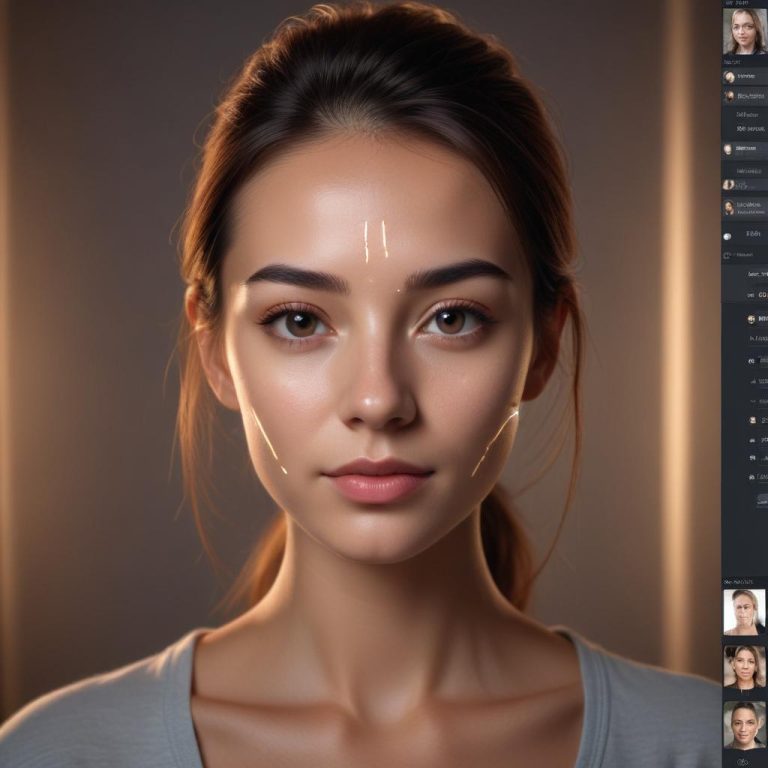
How AI is Changing Stock Photography Editing
You just took a photo for your stock portfolio. It’s a great shot, but there’s a distracting sign in the background, the color feels a bit flat, and it needs to be a perfect 16:9 crop for the web.
A few years ago, fixing this meant starting a time-consuming manual editing session. Today, you can solve all of it in under a minute. Artificial Intelligence is fundamentally reshaping the world of stock photography, and it’s not just about the images you take—it’s about how you prepare, manage, and enhance them for the market. This guide explores how AI is turning the tedious work of stock photo editing into a streamlined, creative, and efficient process.
The AI-Powered Workflow: From Shoot to Submission
The process of getting a stock photo from your camera to an agency’s library involves a series of repetitive, detail-oriented tasks. This is where AI tools are making a huge impact, transforming a once-draining process into something much more manageable and freeing up time for creative shoots.
1. Smart Culling: Finding the Gems in a Mountain of Shots
After a shoot, photographers often have hundreds, if not thousands, of images to sort through. AI culling tools act like a super-fast assistant that never gets tired. They can automatically analyze all your photos and select the best ones based on focus, composition, sharpness, and even facial expressions or subject appeal. For stock photographers, this means instantly filtering out the unusable shots (blurry, eyes closed, poor framing) and focusing only on the high-potential images. This can cut hours, even days, off the initial review process.
2. Intelligent Batch Editing: Consistent Style at Scale
Consistency is king in stock photography. Clients expect a series of related images to have uniform color, lighting, and mood. This used to require painstaking manual adjustments, copying settings from one image to the next. Now, AI can analyze a single edited photo that you’ve perfected and apply that same “look” and technical corrections across an entire batch with one click.
- Uniform Enhancements: AI can batch-adjust exposure, color balance, shadows, and contrast to ensure every photo in a series matches perfectly.
- Style Learning: More advanced tools can even learn your personal editing preferences over time, applying your signature style automatically to new work, which helps build a recognizable and consistent portfolio.
3. Advanced Corrections and Cleanup
Here’s where the magic feels real. AI has turned complex, manual retouching jobs into simple, one-click solutions. For a stock photographer, this means producing pristine, “commercially clean” images faster than ever.
- Object Removal: Need to delete a stray piece of litter, an errant tourist, or a modern lamppost from a historic scene? AI masking and Content-Aware Healing tools can remove these distractions and intelligently fill in the background, often leaving no trace the object was ever there.
- Noise Reduction: Shoot in low light to capture a moody cityscape? AI-powered noise reduction can clean up the grainy texture in shadows while preserving critical details, turning a risky high-ISO shot into a usable asset.
- Sky Replacement: If you capture a great subject under a dull, overcast sky, AI can instantly replace it with a more dramatic, commercially appealing sky, automatically adjusting the lighting on the foreground to match.
- Background Management: Easily select and remove or blur backgrounds to make your subject pop, a common need for product or portrait-focused stock images.
The table below summarizes the key areas of stock photo editing that AI is revolutionizing and the specific tasks it automates.
| AI Editing Category | Impact on Stock Photography Workflow | Example Tools & Features |
|---|---|---|
| Smart Culling & Sorting | Drastically reduces time spent reviewing and selecting images from a shoot. | AI that flags the best shots based on sharpness, composition, and subject. |
| Batch Correction & Styling | Applies consistent color, exposure, and style across hundreds of images instantly. | Tools that learn your editing style and replicate it. |
| Complex Retouching | Automates difficult manual tasks like object removal and detail enhancement. | Content-Aware Fill, AI sky replacement, advanced noise reduction. |
| Asset Management | Helps organize large libraries by automatically tagging images based on content. | AI that recognizes scenes, objects, colors, and faces for easy search and grouping. |
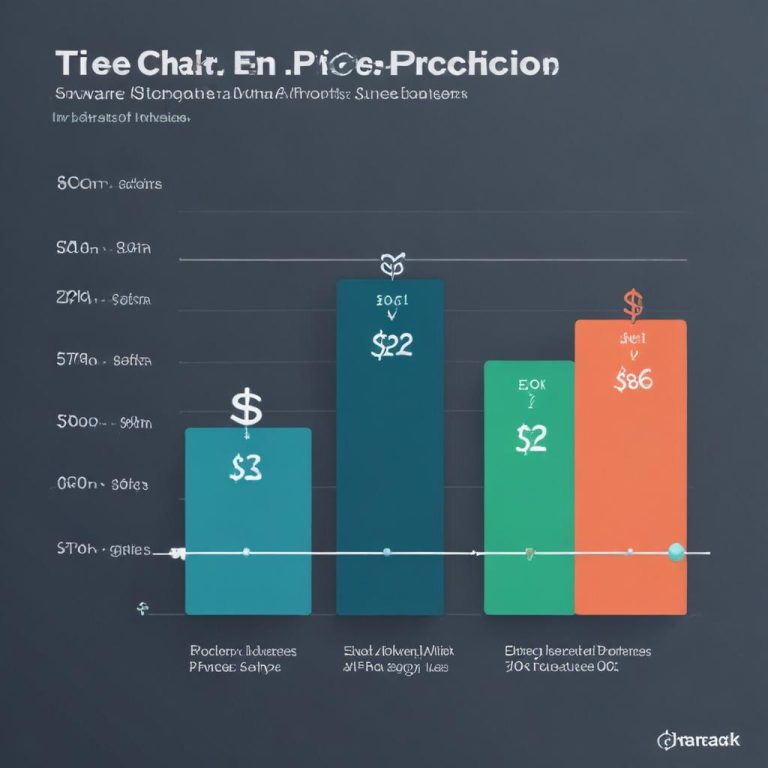
As these tools become more integrated, their overall impact on productivity is significant. The chart below visualizes the potential time savings AI can deliver across a typical stock photography editing workflow.
The Bigger Picture: AI in a Changing Stock Market
This editing revolution is happening against a backdrop of massive change. AI is not only a tool for editing photographs but is also generating completely new, photorealistic images from text prompts. This has created a new competitor within the stock photography market itself.
- The New Reality: Buyers can now generate generic concepts like “businessperson in a modern office” or “happy diverse team” instantly and at a very low cost. This has put immense pressure on the market for conventional, non-unique stock photos.
- The Human Advantage: This shift makes the role of the human stock photographer more crucial in some ways. The value is shifting toward authenticity, specific real-world expertise, and niche subjects that AI cannot easily replicate or access. Think of highly specialized industrial processes, authentic cultural moments, or unique wildlife behavior.
“The future of stock isn’t about competing with AI on volume; it’s about beating it on authenticity, specificity, and the real human stories that only a camera in the right place at the right time can capture.”
Your New AI-Assisted Stock Workflow
So, how can you adapt? Here’s a practical 5-step workflow integrating AI to make you more efficient and competitive.
- Shoot with Intent: Focus on unique subjects, authentic emotions, and niche topics where your real-world access gives you an edge.
- AI-Powered Cull: Use tools like Narrative Select or Imagen AI to instantly filter out technical failures and surface your best shots.
- Batch Enhance with AI: Apply your standard color grade and corrections across all selected images using an AI editor that learns your style, like Imagen or Narrative Edit.
- Targeted AI Cleanup: Use Photoshop’s Generative Fill or Luminar Neo’s tools to remove logos, modern distractions, or imperfections, ensuring your images are commercially clean.
- Keyword & Submit: Use AI-assisted keywording tools (some stock platforms offer these) to generate accurate tags based on your image content, then submit your polished batch.
Frequently Asked Questions
Does using AI editing make my stock photos less valuable?
No. Agencies and buyers care about the final product—a clean, high-quality, usable image. Using AI as a tool to achieve that result more efficiently is no different than using a sophisticated camera or lens. The value is in the unique content you capture.
Will AI editing tools replace stock photographers?
AI image generation is disrupting the market for generic concepts, but AI editing tools are empowering photographers. They help real photographers work faster and focus on capturing the authentic, complex, and niche subjects that AI cannot.
What are the ethical rules for AI in stock editing?
Major stock agencies have strict guidelines. You cannot use AI to generate the primary subject of a photo (e.g., a fake person or product). However, using AI to enhance a real photo—removing a dust spot, smoothing a blemish, replacing a bland sky—is generally acceptable. Always check your agency’s latest policy.
Is it worth investing in AI editing software for stock?
Absolutely. The time you save on editing translates directly into more time for shooting or managing your business. For a serious stock contributor, the efficiency gains quickly justify the cost of tools like Adobe’s ecosystem or specialized AI editors.
How do I stay relevant as a stock photographer with AI around?
Specialize. Dive deep into a niche you’re passionate about and have access to. Embrace authenticity. Capture real moments, genuine emotions, and specific, truthful scenes. Use AI as your assistant, not your replacement, to polish your unique work to perfection.
The Bottom Line: Adaptation is Key
The landscape of stock photography is evolving rapidly. AI is a powerful wave changing both how images are made and how they are polished. By embracing AI editing tools, you’re not giving in to the machines—you’re arming yourself with the best possible technology to showcase your human creativity and unique perspective more effectively than ever before.
The photographers who will thrive are those who leverage AI to handle the tedious work, freeing themselves to do what only humans can: explore, observe, and capture the fascinating reality of the world.
Are you using AI in your stock photography workflow? What’s been your biggest time-saver or challenge? Share your experience in the comments below!