
iPhone Photo Editing Built In Tools Advanced: Master Professional Results Without Extra Apps
Learn to master advanced photo editing on your iPhone using its built-in tools. Get professional results without needing any extra apps.

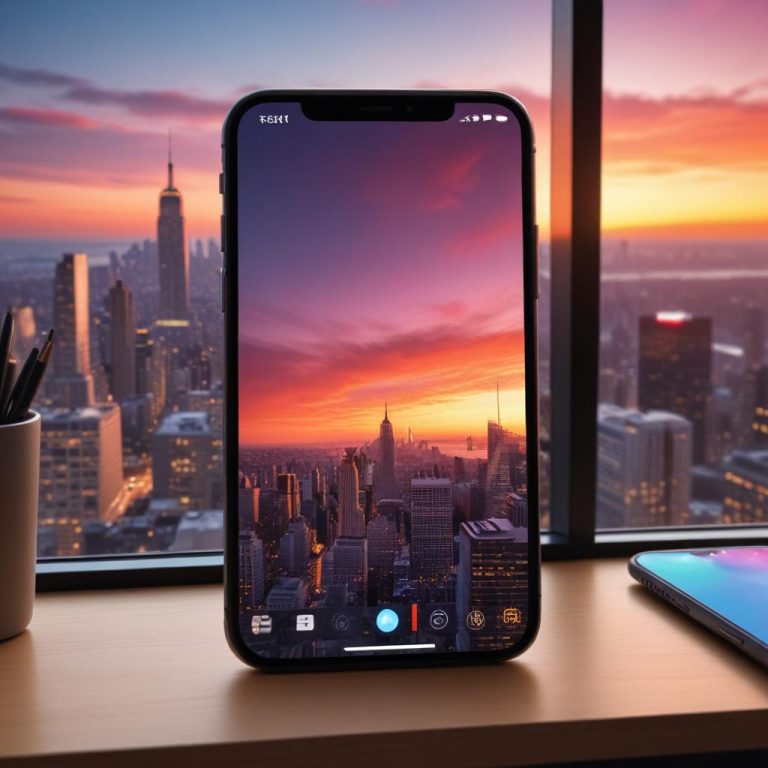
Learn to master advanced photo editing on your iPhone using its built-in tools. Get professional results without needing any extra apps.

Learn how to blur images online to add artistic depth. Our free photo blur tool lets you easily apply professional blur effects and make your subject stand out.
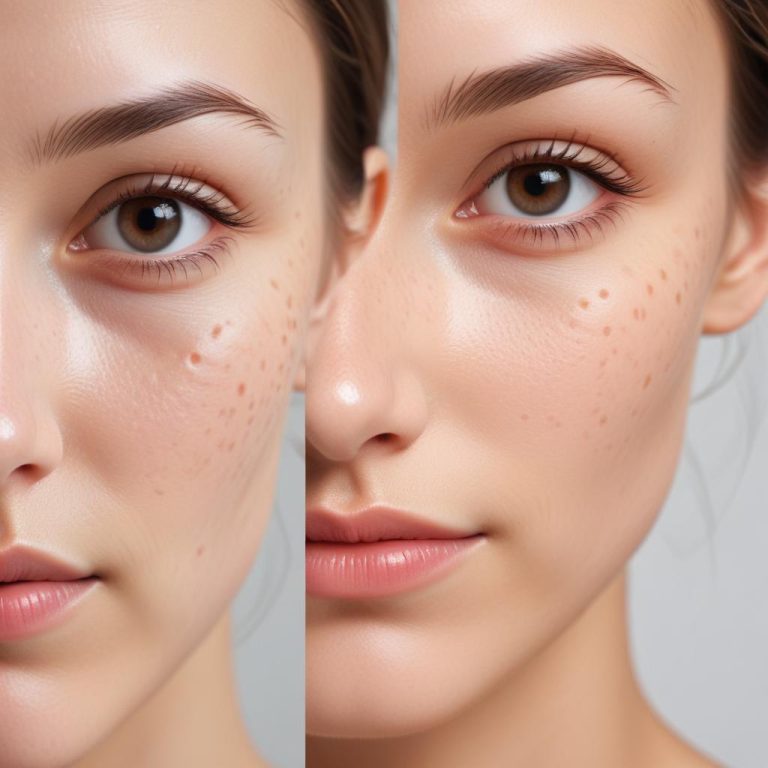
Learn the power of AI portrait retouching: achieving flawless skin, perfect features, and professional results with a single click.

Discover how AI tools simplify batch editing, allowing you to supercharge your photos and maintain consistency across large volumes.
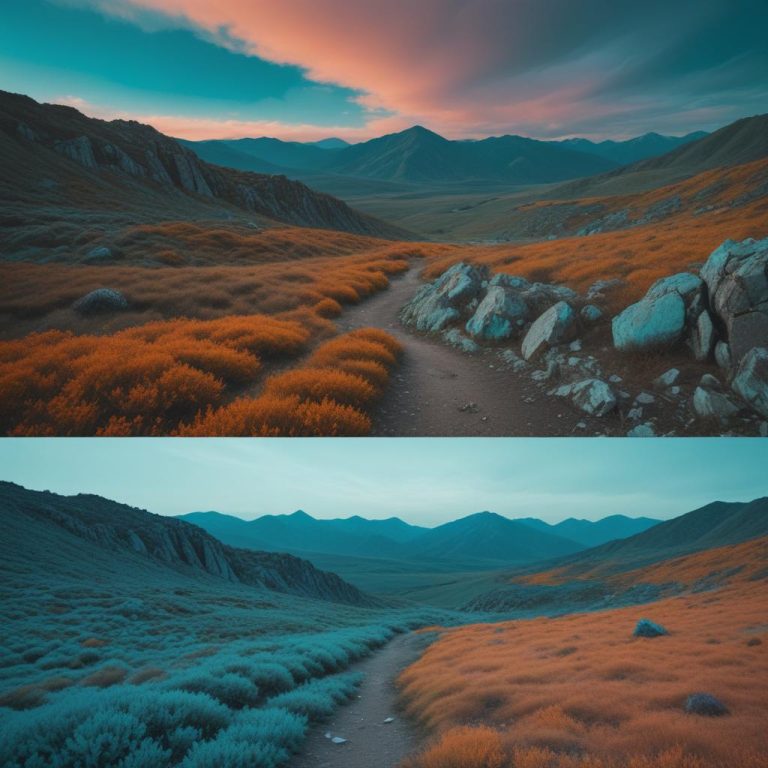
Learn the secrets of AI color grading to instantly give your photos that professional cinematic, movie magic look with minimal effort.
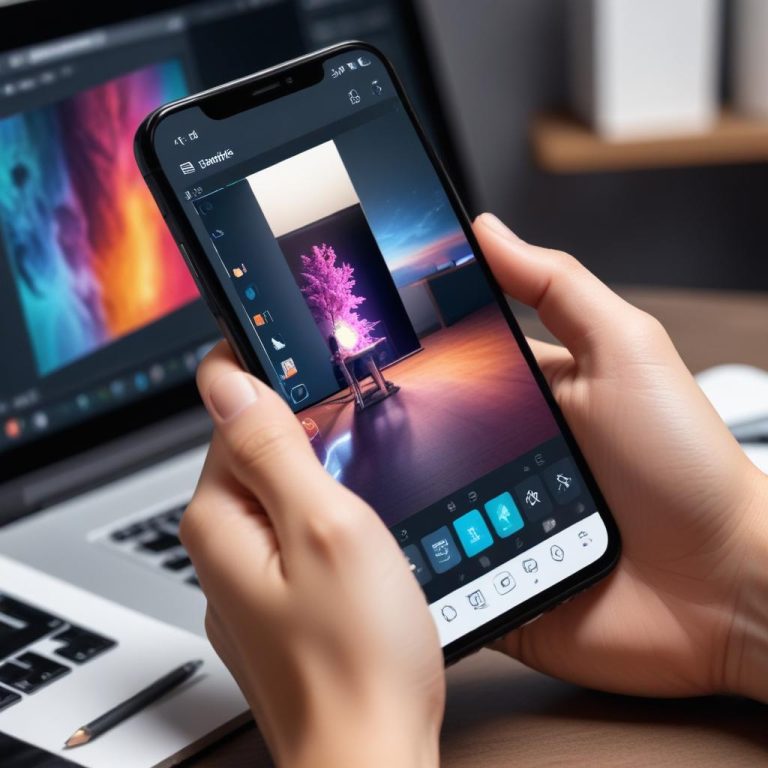
A list of the top mobile AI photo editing apps: transforming your phone into a powerful, pocket sized creative studio for instant edits.
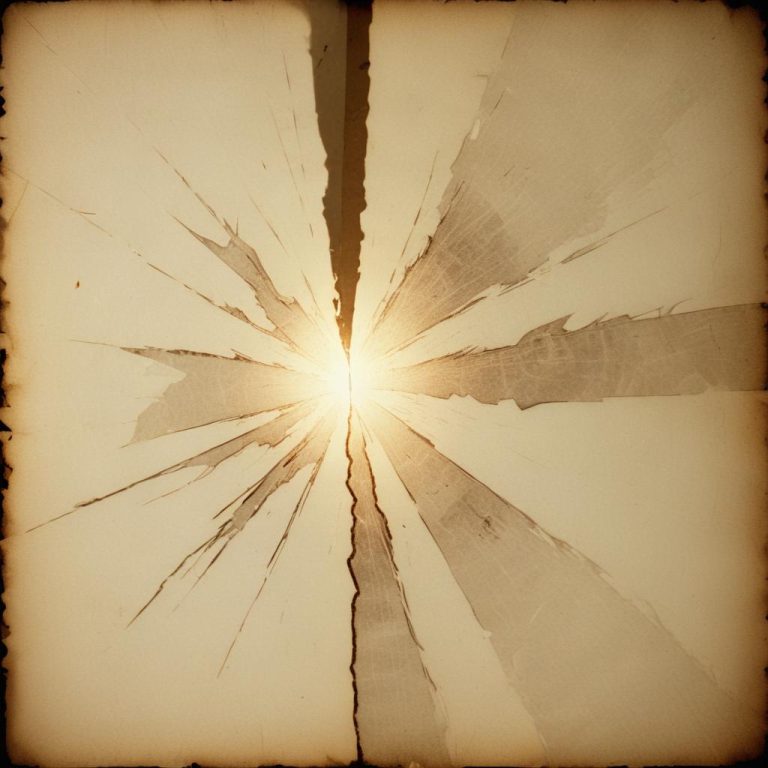
Give your fading memories a second chance: explore the incredible power of AI photo restoration to repair and enhance old, damaged photos.

A review of the 7 best AI photo enhancers designed to transform your blurry snaps into high-quality, sharp, and memorable keepsakes.
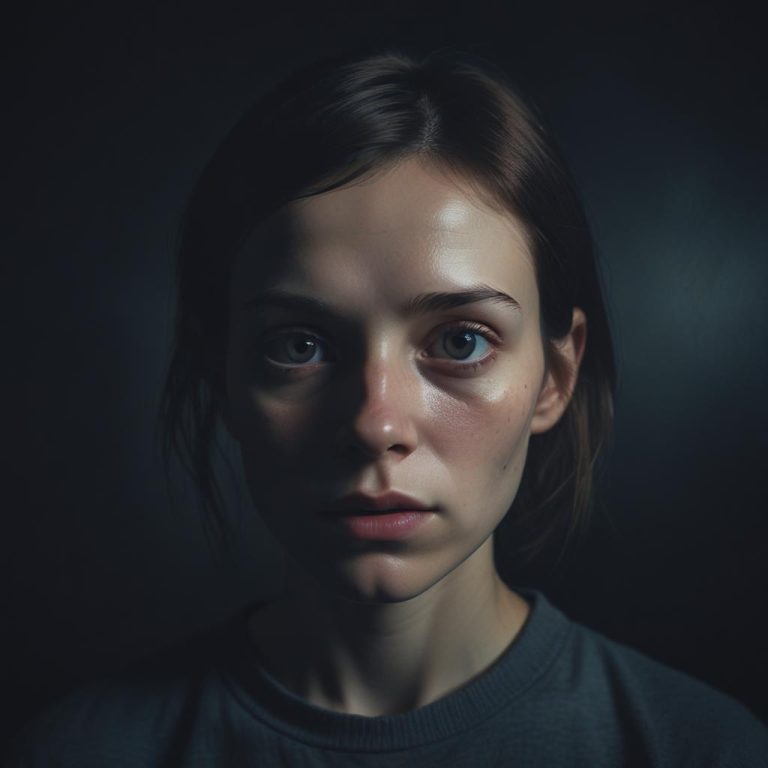
A candid look at the dark side of AI photo editing, examining the ethical and social implications when filters become too aggressive.
Discover the 10 AI photo editing tools that are predicted to blow your mind and dominate the photography landscape in 2025.